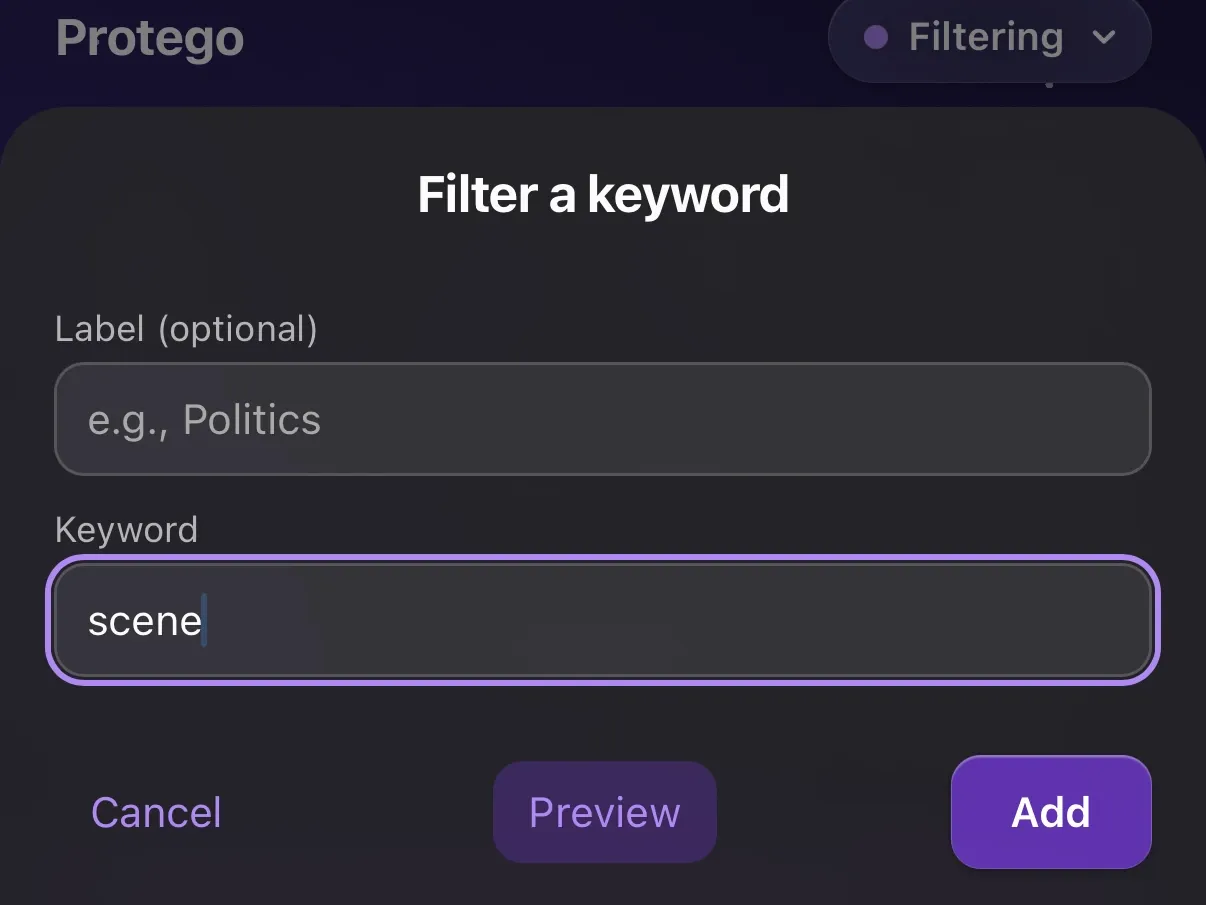
Filter Reddit by keyword
Hide posts that mention a word or a pattern, across your feeds, community pages, and search results.
Some words follow you around Reddit: the ending of a book you are halfway through, a topic that turns every thread into the same argument. Add one to your keywords and it stops reaching your feed, without muting a community you otherwise like. Protego filters rather than blocks, so turning the keyword off shows its posts again.
Add a keyword and know what it catches
A keyword matches a post’s title, its body, and the community it was posted in,
whatever the capitalization. It matches whole words, so wand catches a post
about a wand and leaves wandmaker alone. Filtering runs everywhere you scroll:
feeds, community pages, search results, and profiles. Opening a post always
shows it in full.

Filter a keyword only where you choose
Set a keyword’s Scope to pick where it hides posts. Everywhere is the
default. Main Feeds Only hides matches on Home, Popular, and News, while
community pages still show them. Only From hides matches only in posts from
the communities you list. Except From hides them everywhere but there, so
quidditch matches can appear in r/quidditch and nowhere else.
Catch partial words and age tags
* stands for any text, at either end of a keyword or both: politic* catches
political and politics, *wand* catches wandmaker. # stands for a number up to
three digits, so [#m] catches age tags and leaves [album] alone. Communities
take * too,
while users and
domains match in full.
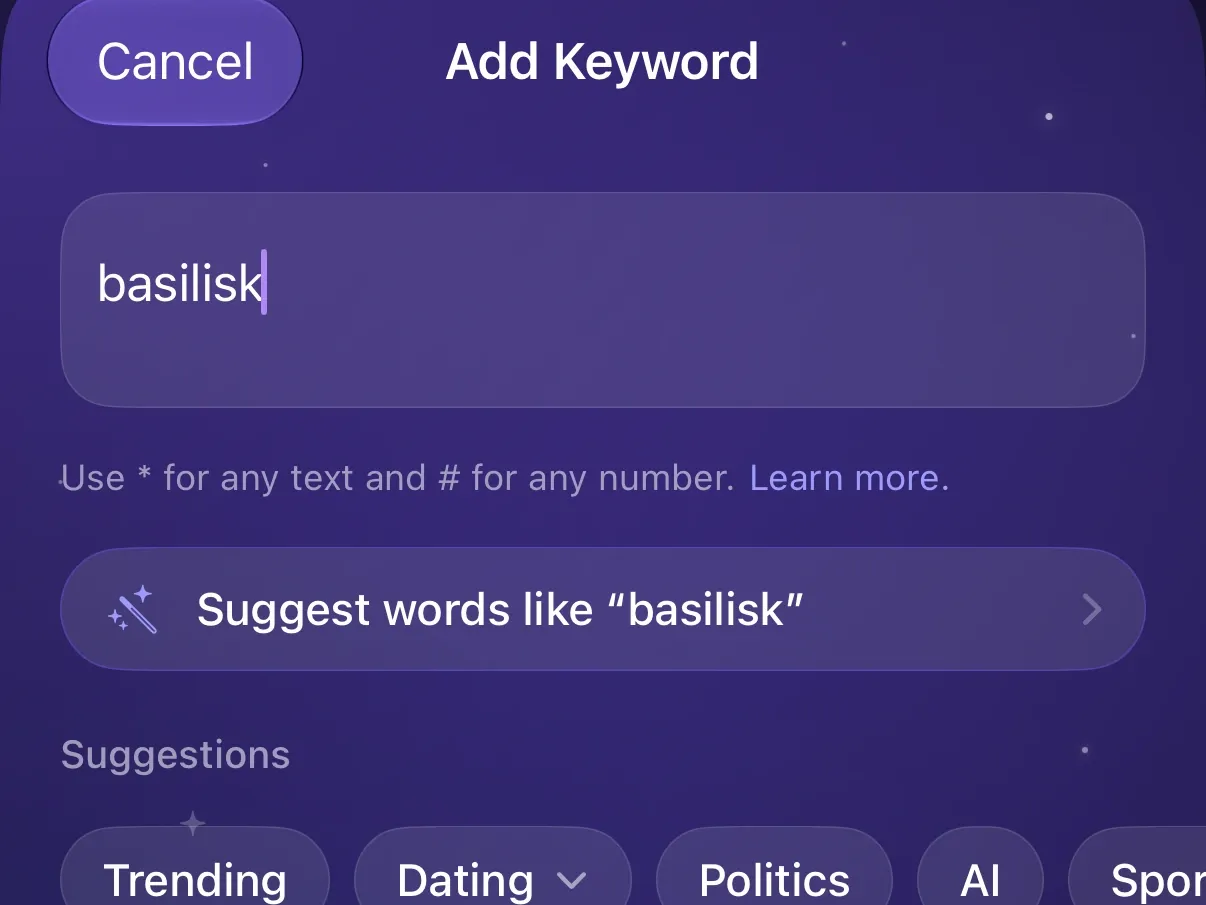
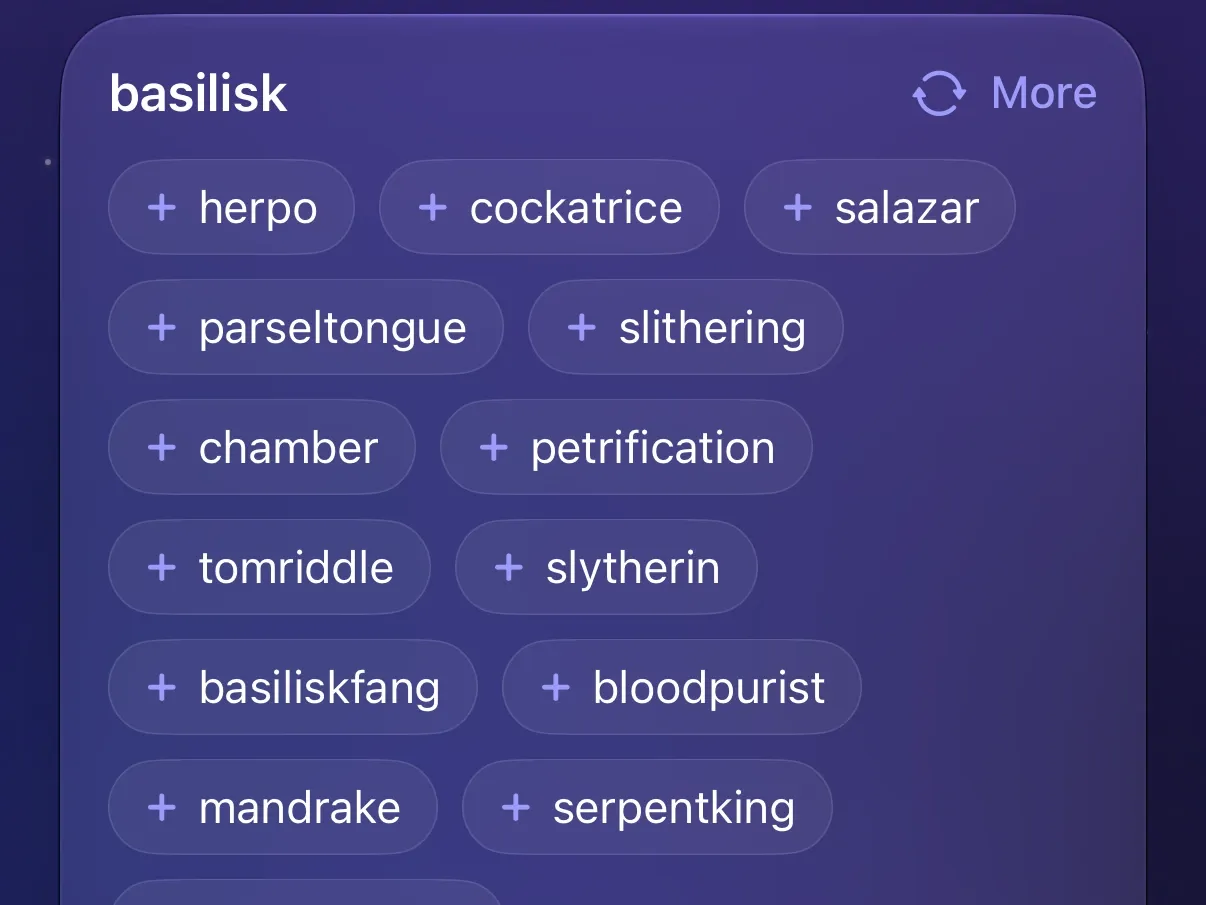
Get keyword ideas from Apple Intelligence
Not sure what to filter? Pick a topic or type a word, and Protego suggests terms to add. Anything your keywords already catch is left out. Needs a device that supports Apple Intelligence (iOS 27 or later). Suggestions run on Apple’s Private Cloud Compute, which stores nothing and never receives your lists.
Add today’s trending terms in a tap
Tap Trending in the app’s keyword composer for the terms trending in your region. Each one is a tap to add, so the story everyone is posting about today is gone before it fills your feed.
Start from the ready-made Dating groups
Tap Dating in the app’s keyword composer for a pre-filled group that hides dating posts by men or by women, using their age and gender tags. You can uncheck any keyword before the group is added.
Filter a word without leaving the page
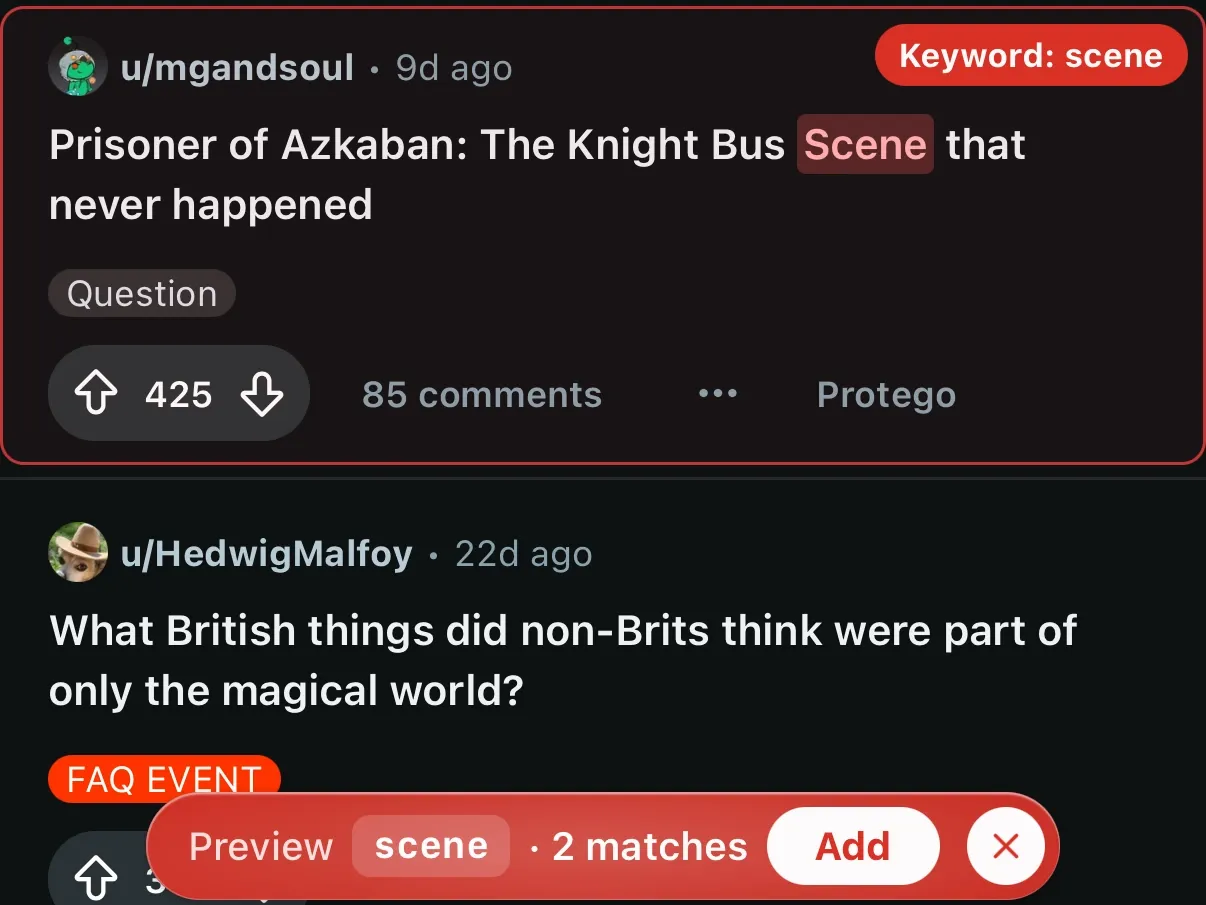
The Protego extension in Safari has its own keyword composer, so a word you just ran into is filtered where you ran into it. Tap Preview instead of Add to see what the keyword would hide on the page, with a count of matches, before you save it.