 Protego for Reddit
Reddit, without
the noise
A Safari extension that clears the clutter from your Reddit feed, so you can browse Reddit on the web, not the app. Filter keywords, communities, and more.
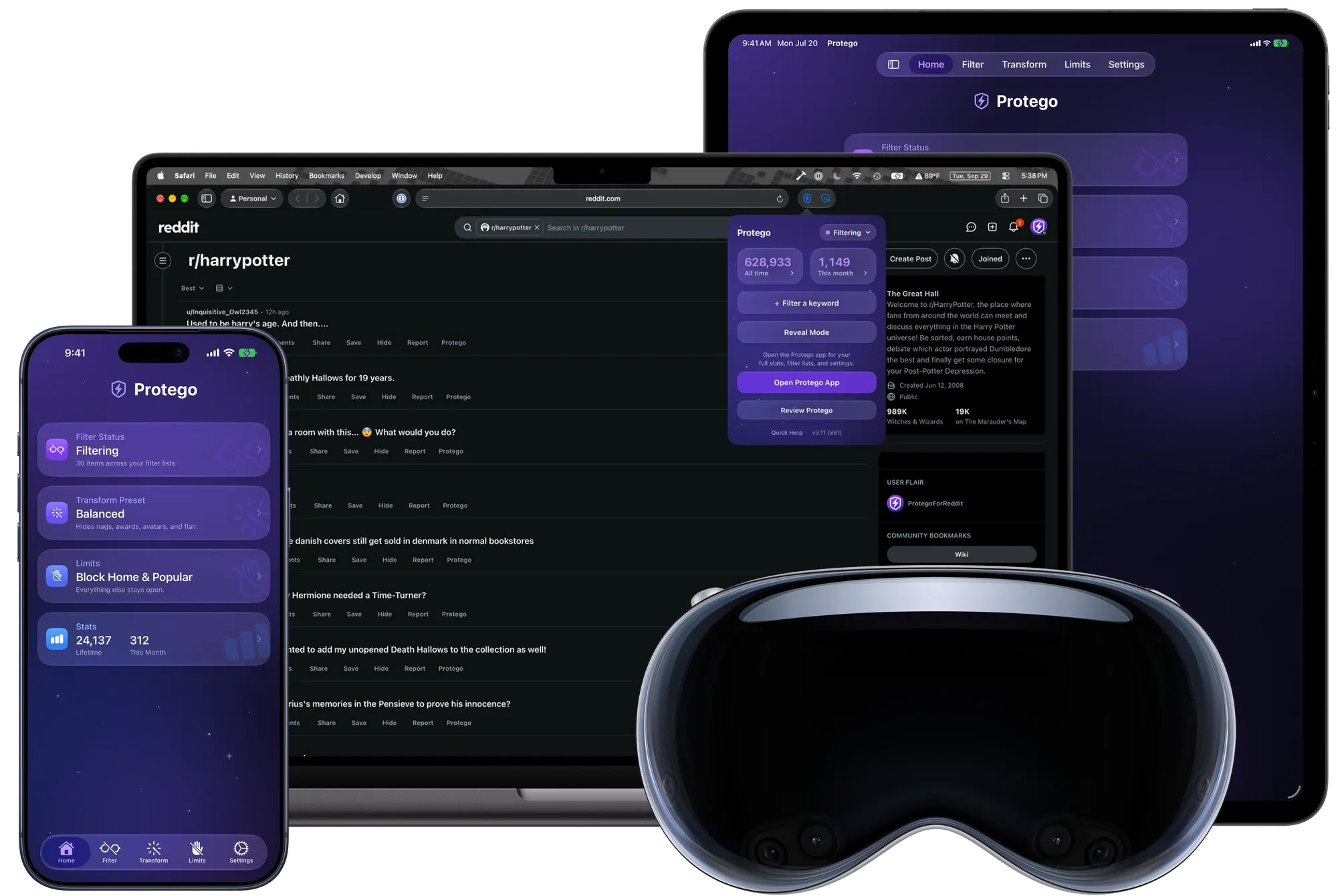
Designed for Safari on iPhone, iPad, Mac, and Apple Vision Pro.
- One purchase, every platform
- No subscription
- iCloud syncing
- English, Spanish, and Brazilian Portuguese
“A must-have for anyone who uses Reddit on Safari.”
Why the browser
Reddit belongs in your browser
The official app is built to keep you scrolling. In Safari, you decide what Reddit shows you, and Protego does the filtering.
You set the terms
The app serves a feed tuned to keep you there. In Safari, Protego filters it by your rules, so what is left is what you came for.
Quiet by default
No notifications begging you back, no red badge on an icon. Reddit is there when you open a tab, and gone when you close it.
Less of you gets collected
Reading in Safari keeps Reddit’s app off your phone, along with everything an app can gather in the background. Safari’s tracker blocking handles the rest.
No “get the app” walls
No full-screen nags to install the app, no login wall just to read a thread. Protego clears the few interruptions that are left.
On your own terms
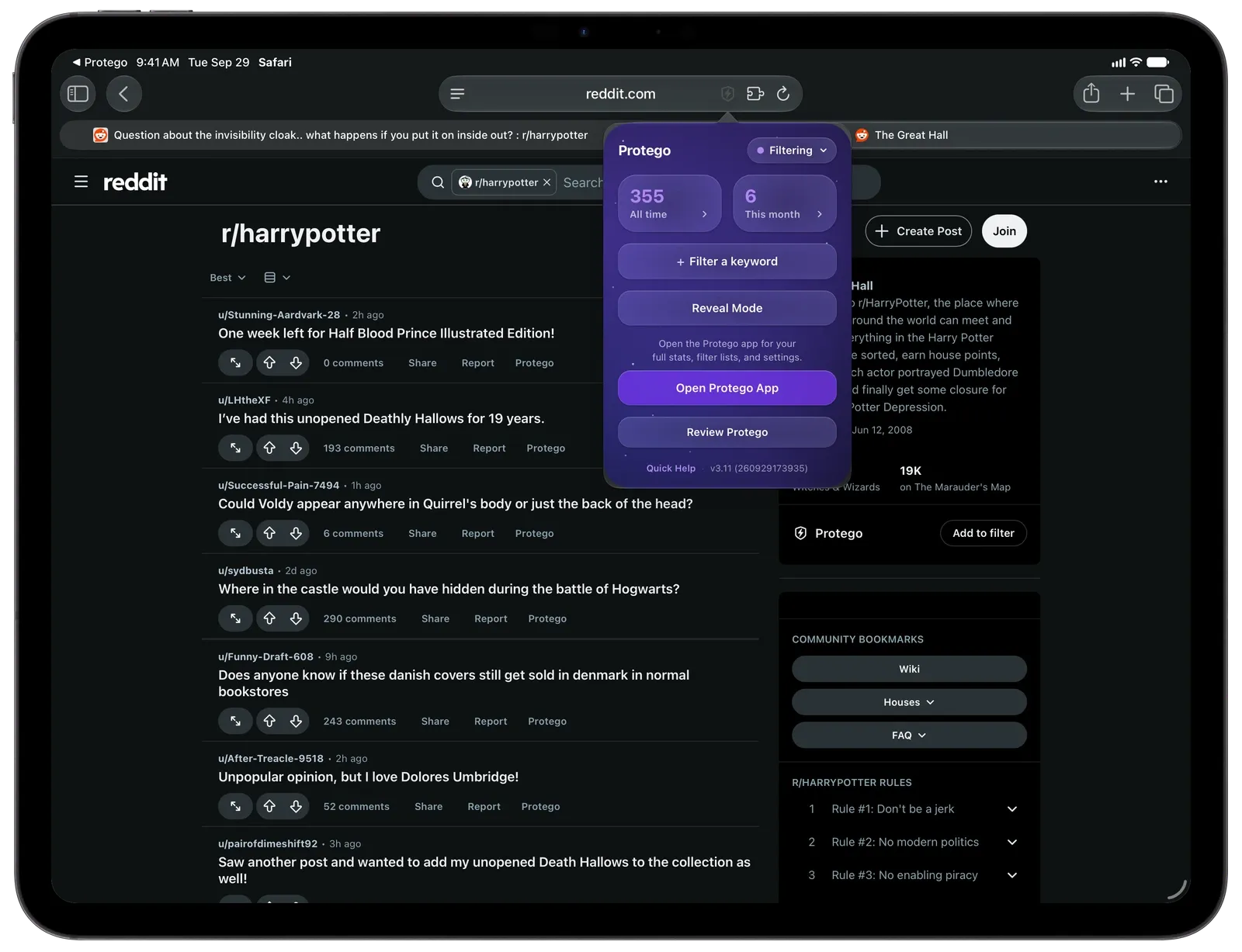
Reddit is full of posts worth reading, mixed with plenty you would rather skip. Filter hides what you never want to see, Transform clears the clutter and distractions from everything else, and Limits helps you step away when you have scrolled enough. What is left is the content you actually came for.
Filter
Your feed, minus the noise
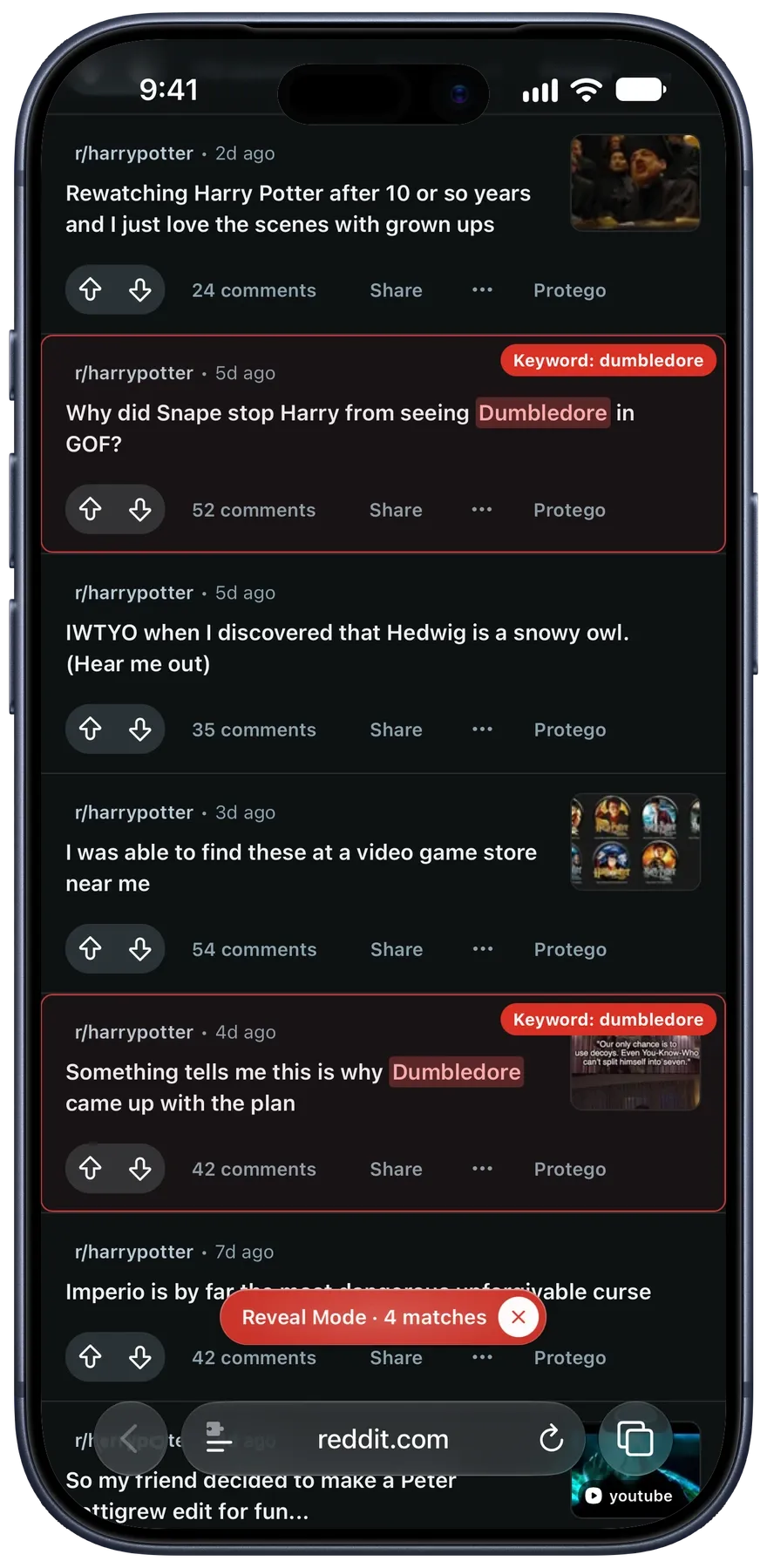
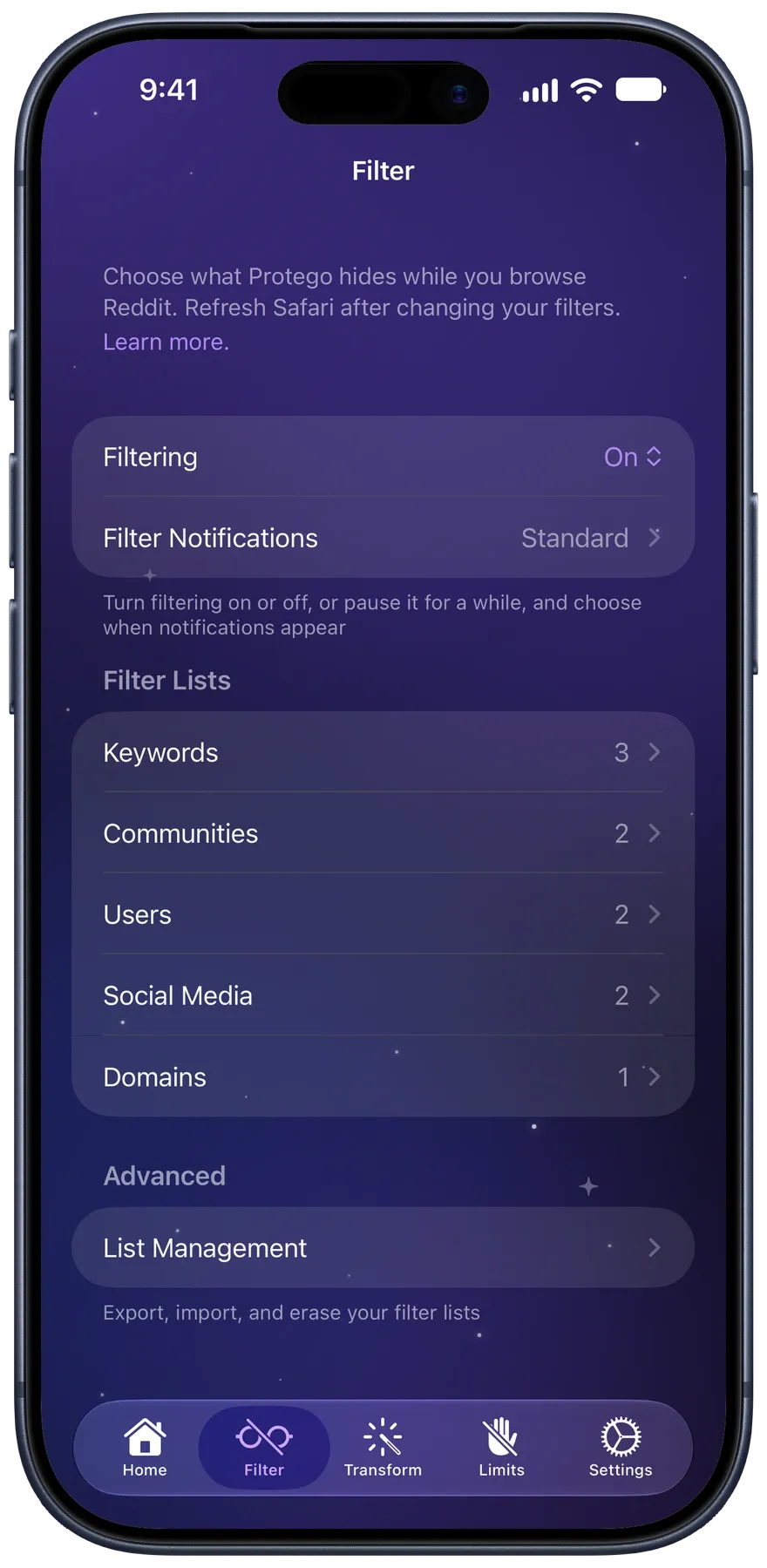
Filtered posts are hidden as Reddit loads them. Turn on Reveal Mode to see each one outlined and labeled with the filter that matched it.
- KeywordsHide posts whose title, body, or community name matches a pattern.
- CommunitiesHide a whole community, or block its page.
- UsersHide one person’s posts and comments.
- DomainsHide posts linking to a particular site.
- Social MediaHide posts linking to X, TikTok, and more.
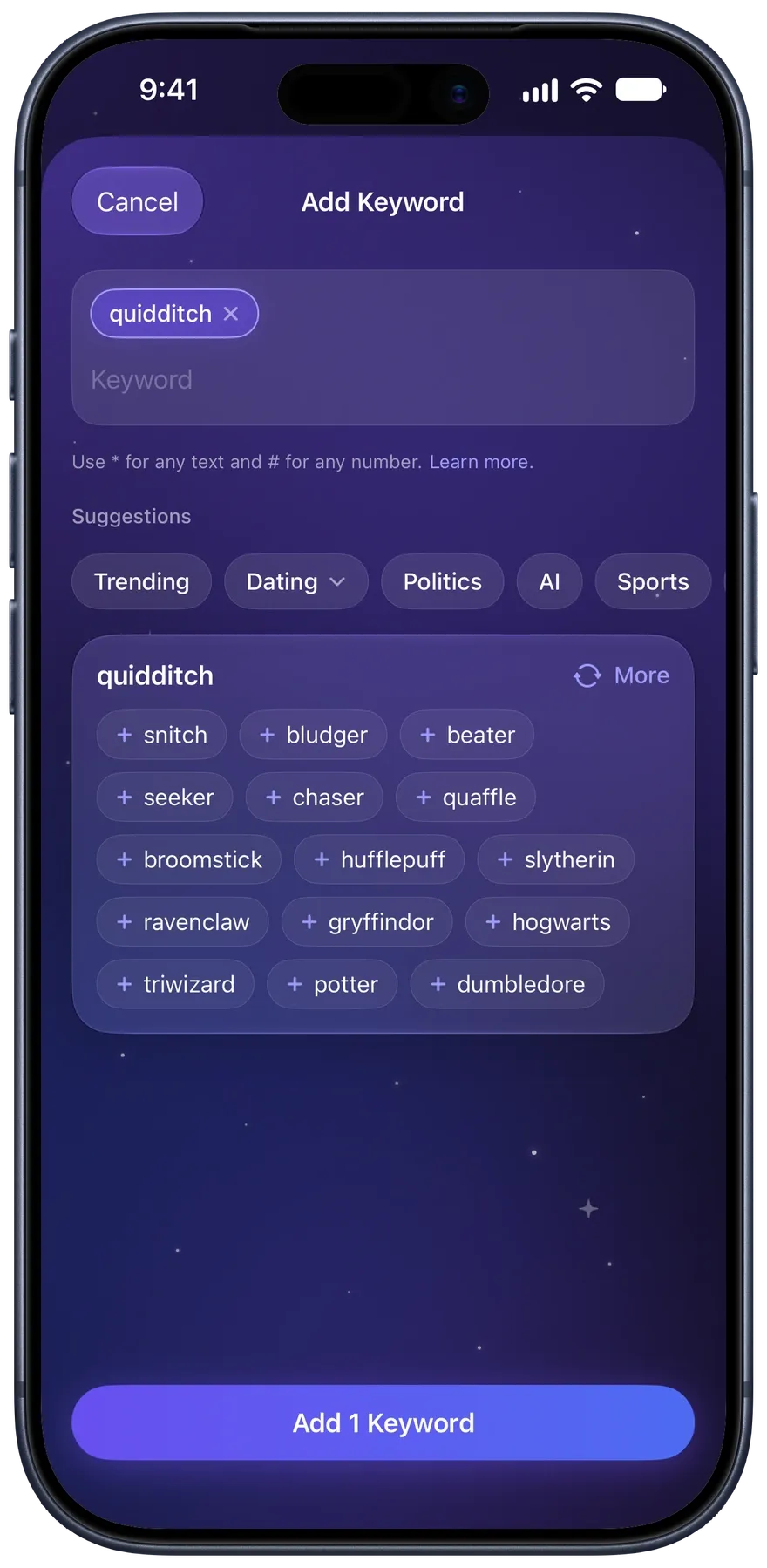
Keywords go further: politic* matches politic, politics, and political, [#m] hides [30m] and [18m], and keyword groups switch a whole set on or off at once. Switch any filter off without deleting it.
Need ideas? Pick a topic trending in your region. On devices with Apple Intelligence, type one keyword and Protego suggests related ones. Suggestions run on Apple’s Private Cloud Compute, which stores nothing and never receives your lists.
Transform
Clear away the clutter
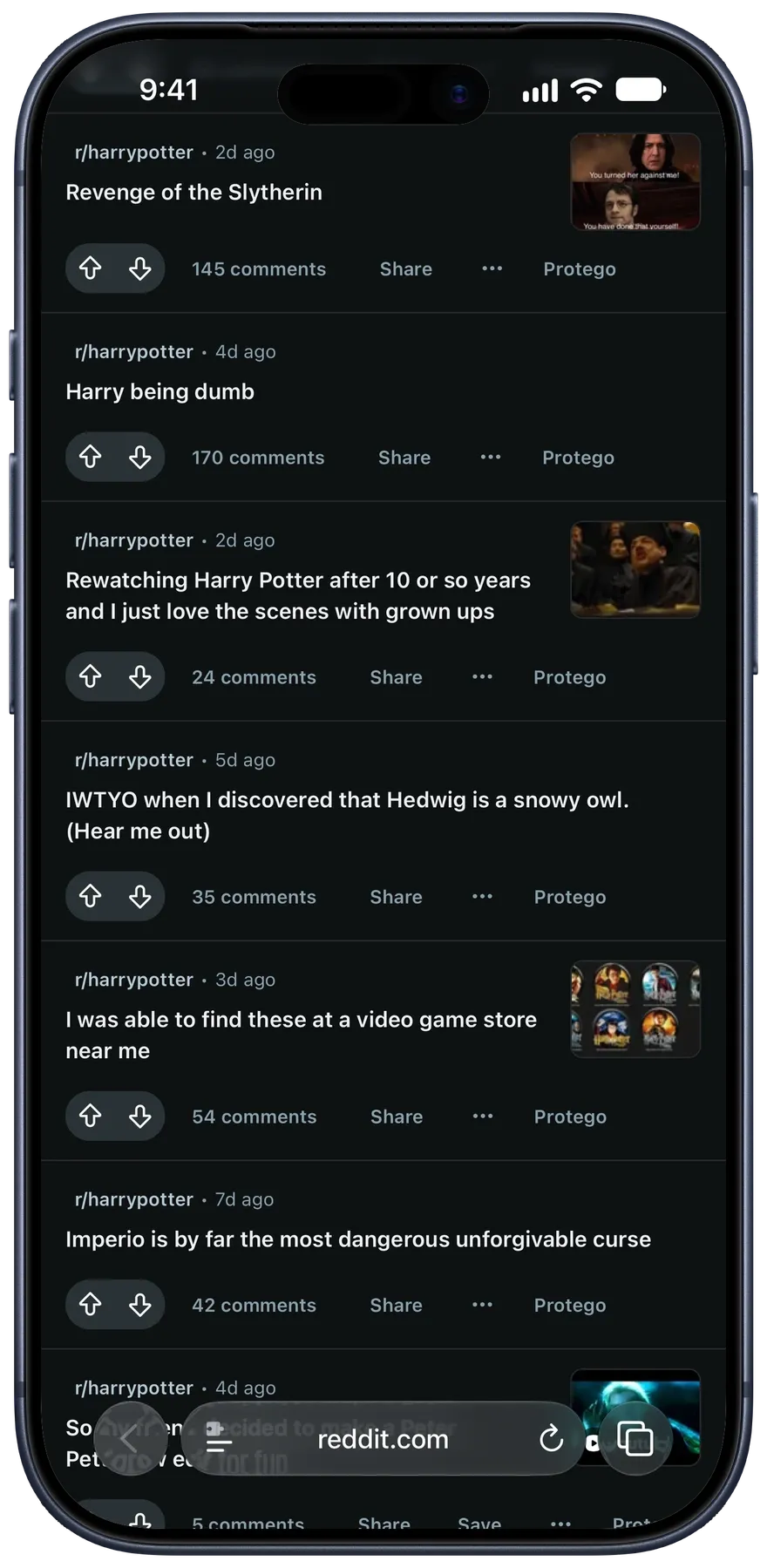
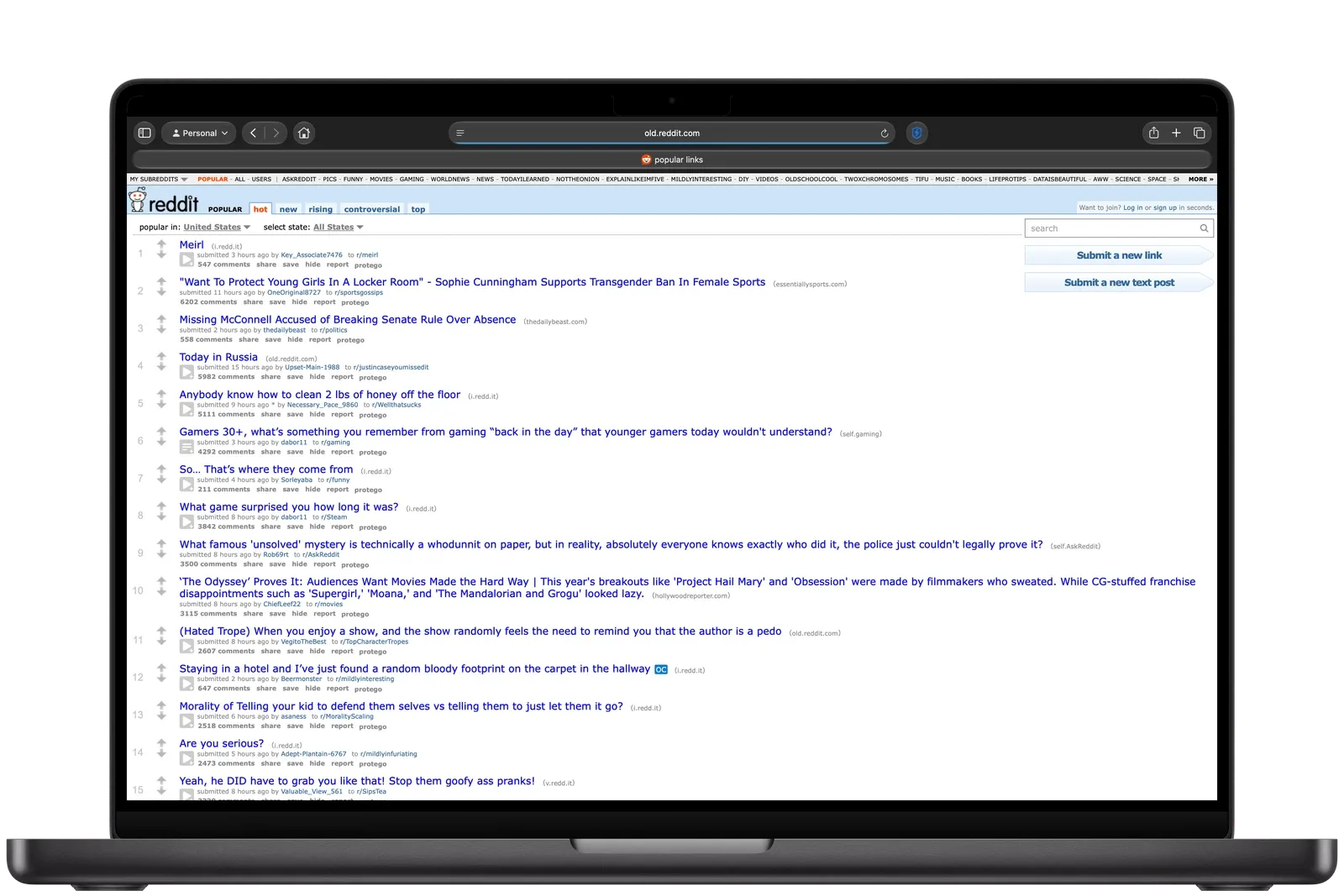
Transform reshapes Reddit’s pages. Pick a preset and Protego applies a recommended set of options, stripping out distractions to bring new Reddit closer to the old one. Fine-tune anything afterward.
- Hide thumbnails, avatars, flair, badges, banners, and the vote, award, and join buttons
- Hide recommendations, promoted posts, login and app nudges, and Reddit Answers
- Collapse or hide comments with media, and the moderator comment pinned in threads
- Bring back post authors on the home, popular, and news feeds, where Reddit hides them


Save and share
Save videos and share posts
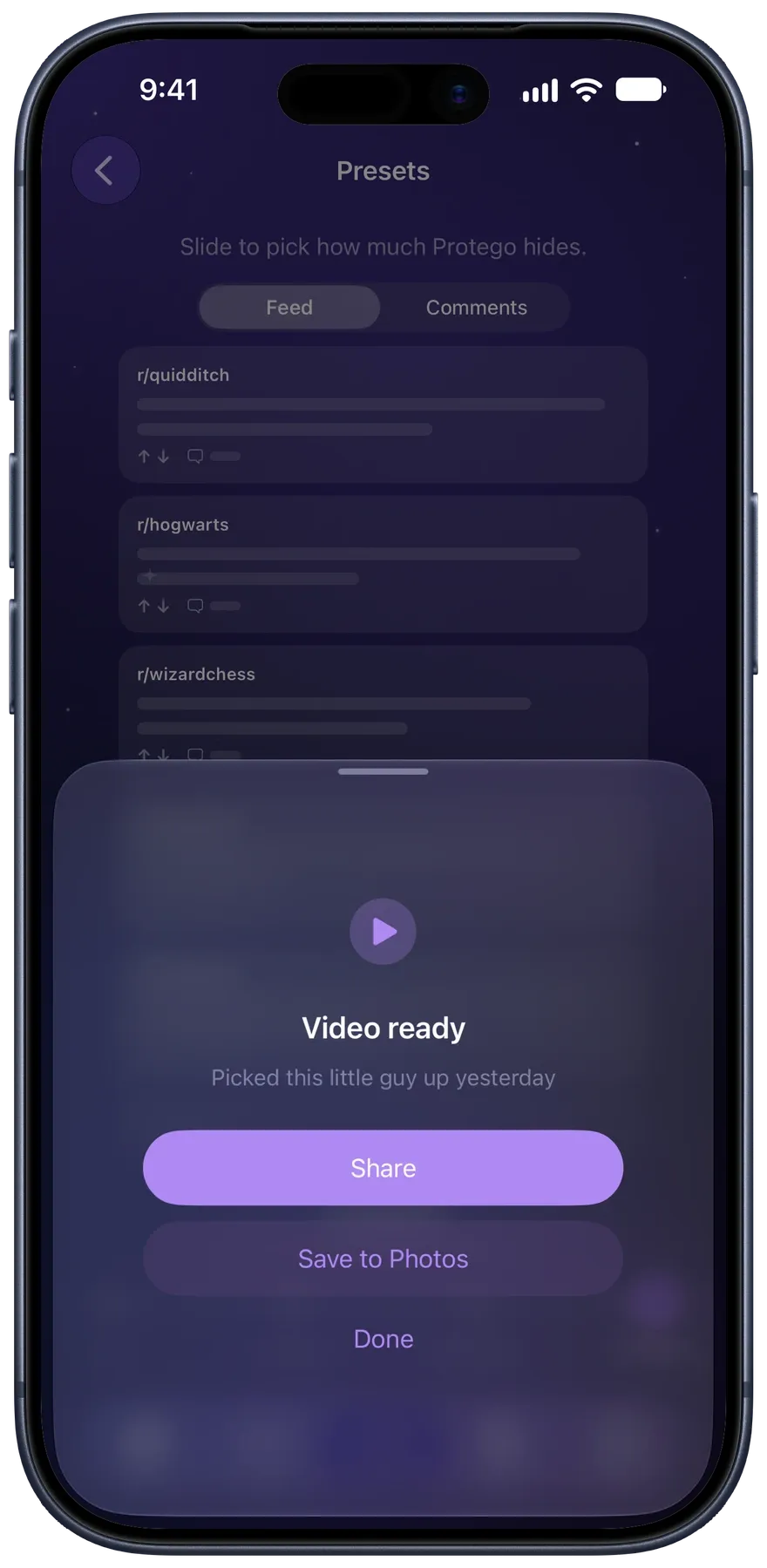
Save any Reddit video
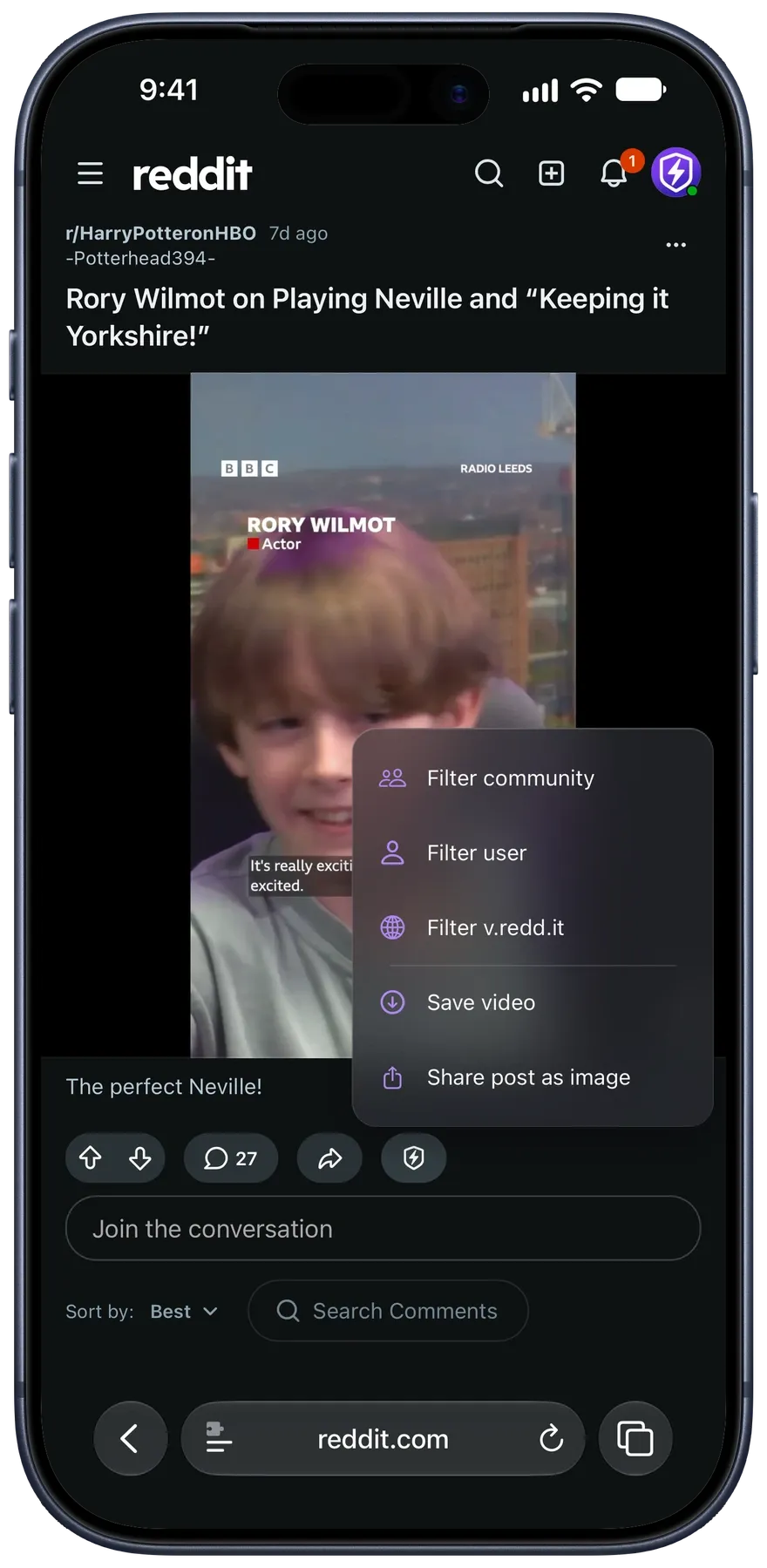
Tap the Protego button on a post to save its video with the sound, or its image at its original size.
How saving works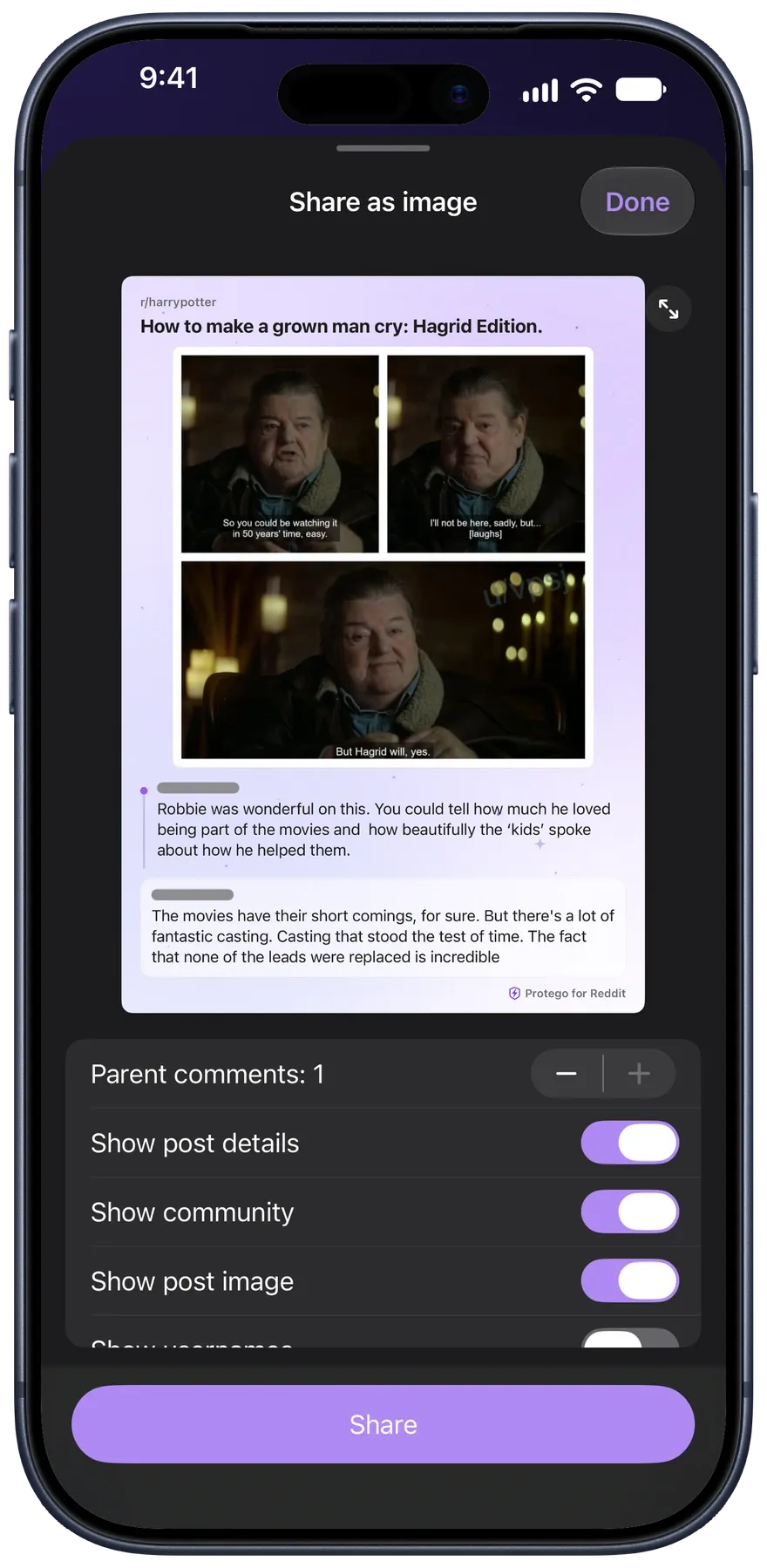
Share posts and comments as images
Turn a post or comment into a clean image, with the comments above it if you want them.
How sharing worksLimits
Take back your time
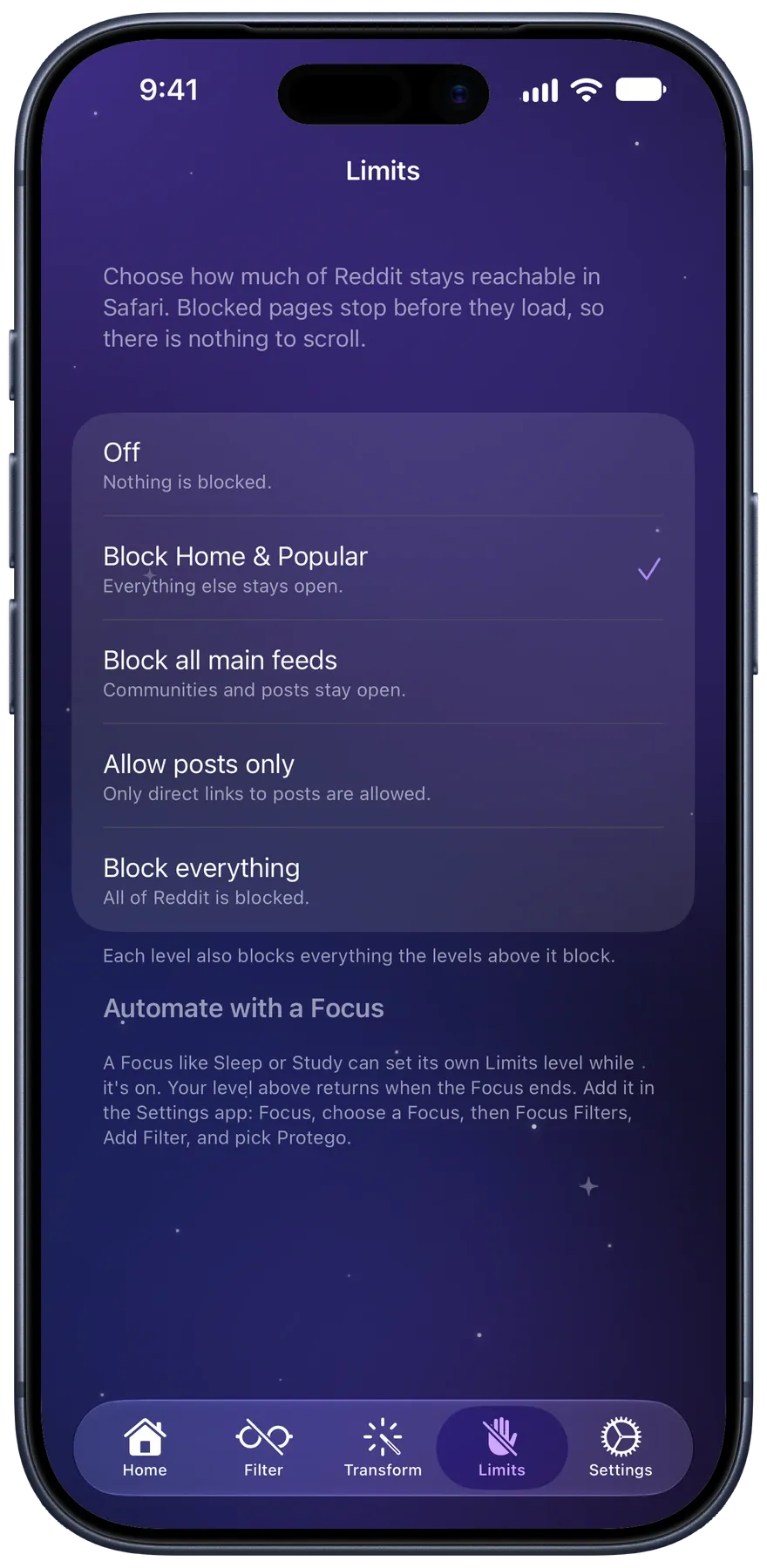
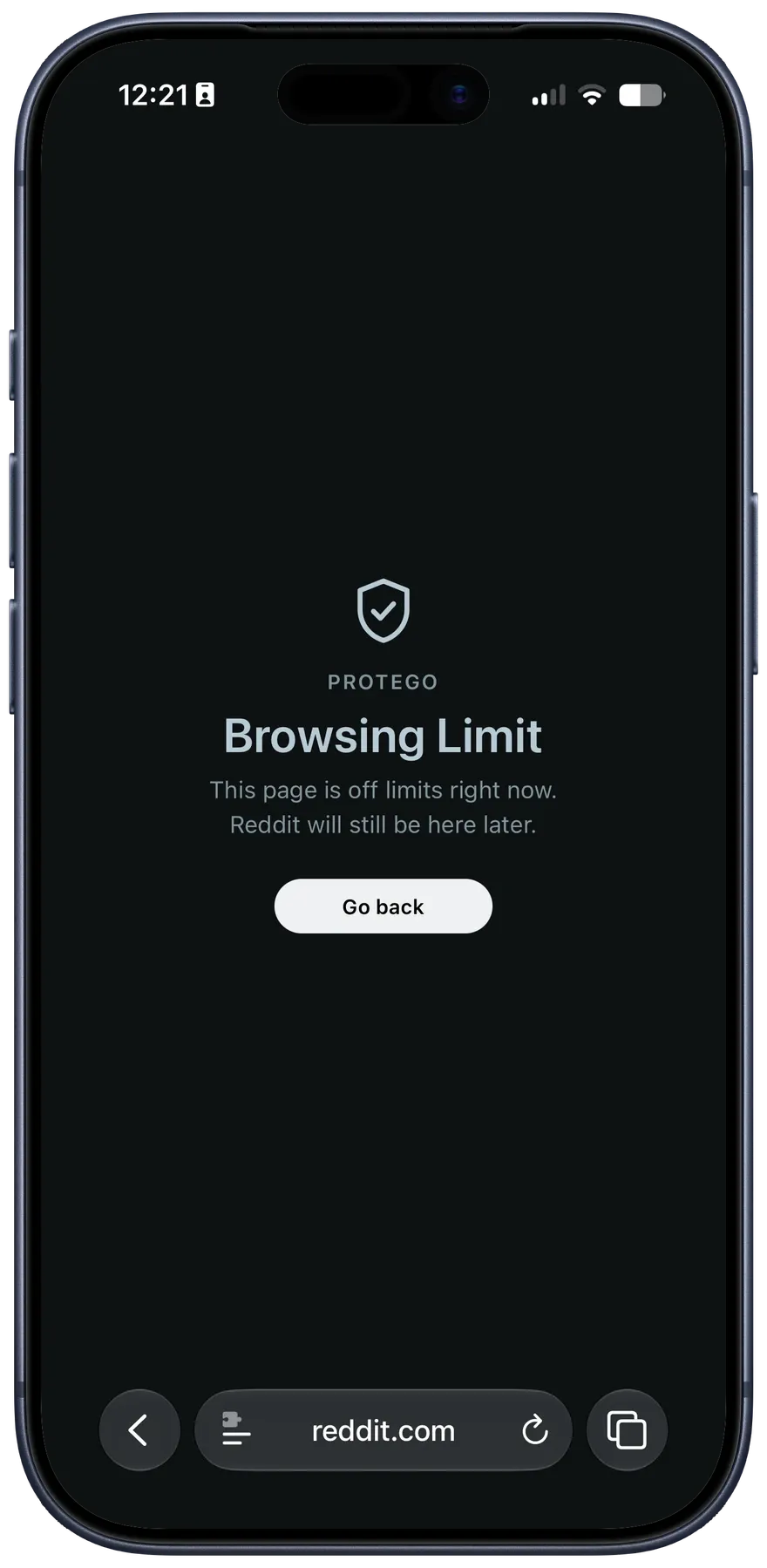
Filtering hides what you do not want to see. Limits goes further and blocks Reddit itself, a step at a time. Pair a limit with a Focus like Sleep or Study and it turns itself on.
- Off Nothing is blocked.
- Block Home & Popular Everything else stays open.
- Block all main feeds Communities and posts stay open.
- Allow posts only Only direct links to posts are allowed.
- Block everything All of Reddit is blocked.
Comment threads
Follow every thread
Thread colors tint each reply line by its depth, so you can follow a long back-and-forth. With jump buttons, you go from one comment to the next without scrolling through reply chains. Protego can also collapse every reply chain when a thread opens, and hide comments with media or the pinned moderator comment.
How comment threads work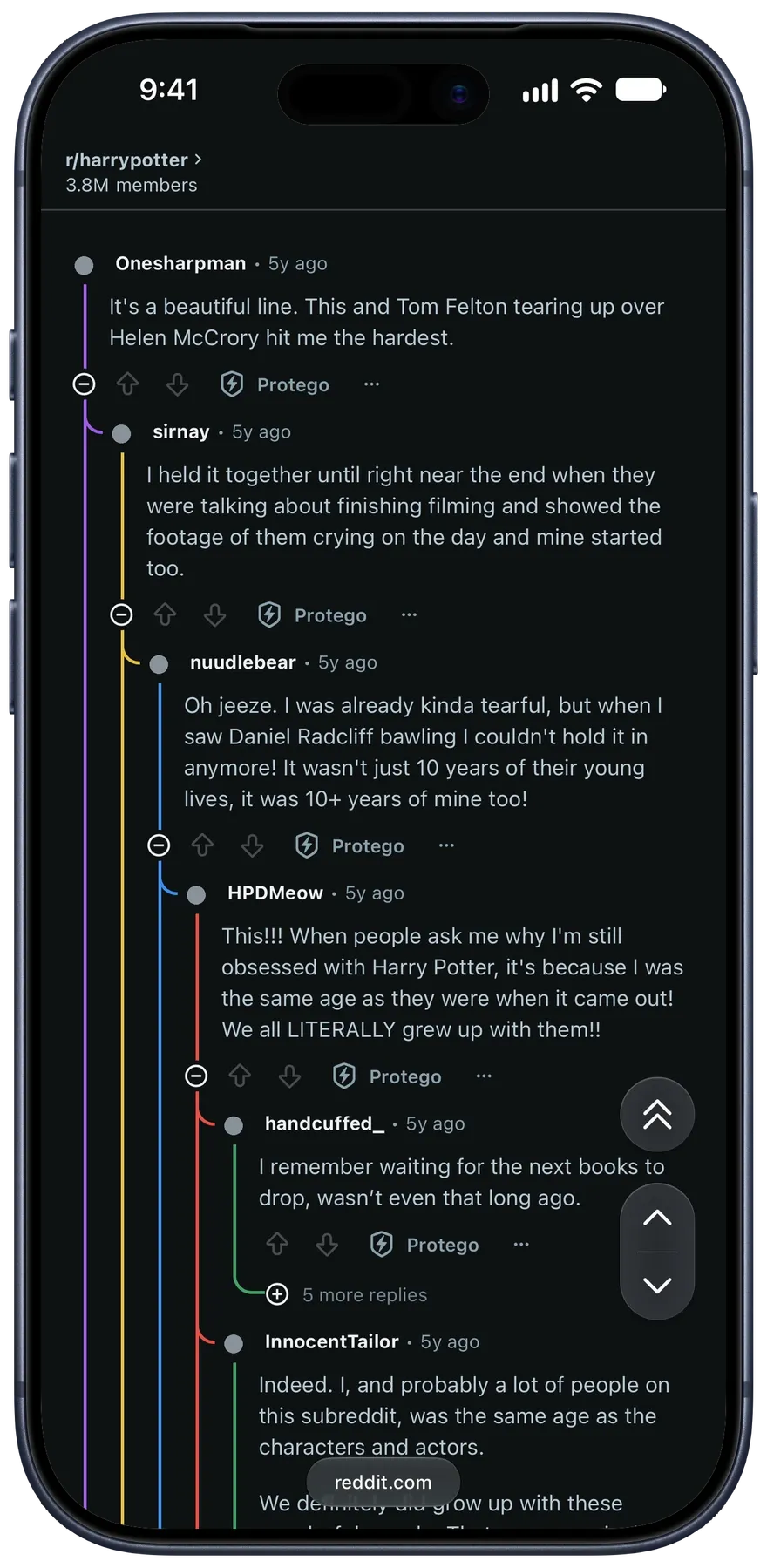
Private by design
No account, no tracking, no browsing history collected. Your filter lists stay on your devices and in your own iCloud.
Read the privacy policyAnd more
The little things
From the App Store
Why people love Protego
After installing this, I uninstalled the Reddit app on my phone.
All of a sudden Reddit isn’t complete trash anymore. Less than a dozen words in my filter list and my front page is completely different.
I really enjoy using Reddit but the non-stop deluge about certain public figures and topics was starting to impact my well-being. Reddit removed the ability to filter posts containing key words. I found this app to fill that gap and it has been doing the trick!
A calmer Reddit is one tap away
- One purchase, every platform
- No subscription
- iCloud syncing
- English, Spanish, and Brazilian Portuguese