Clean up visual clutter
Protego lets you hide post thumbnails, avatars, banners, and flair from Reddit’s feeds and threads.
Reddit surrounds every post with small things to look at, and most of them have nothing to do with what anyone wrote. Hide them and the page is calm, a long feed is quick to skim, and what you stop on is something you picked. The posts stay the same, in the same order, with less around them.
Skim feeds without post thumbnails
Turn on Post thumbnails to hide the preview image on posts in your feeds. The post you open still shows its image. It works on old Reddit too.
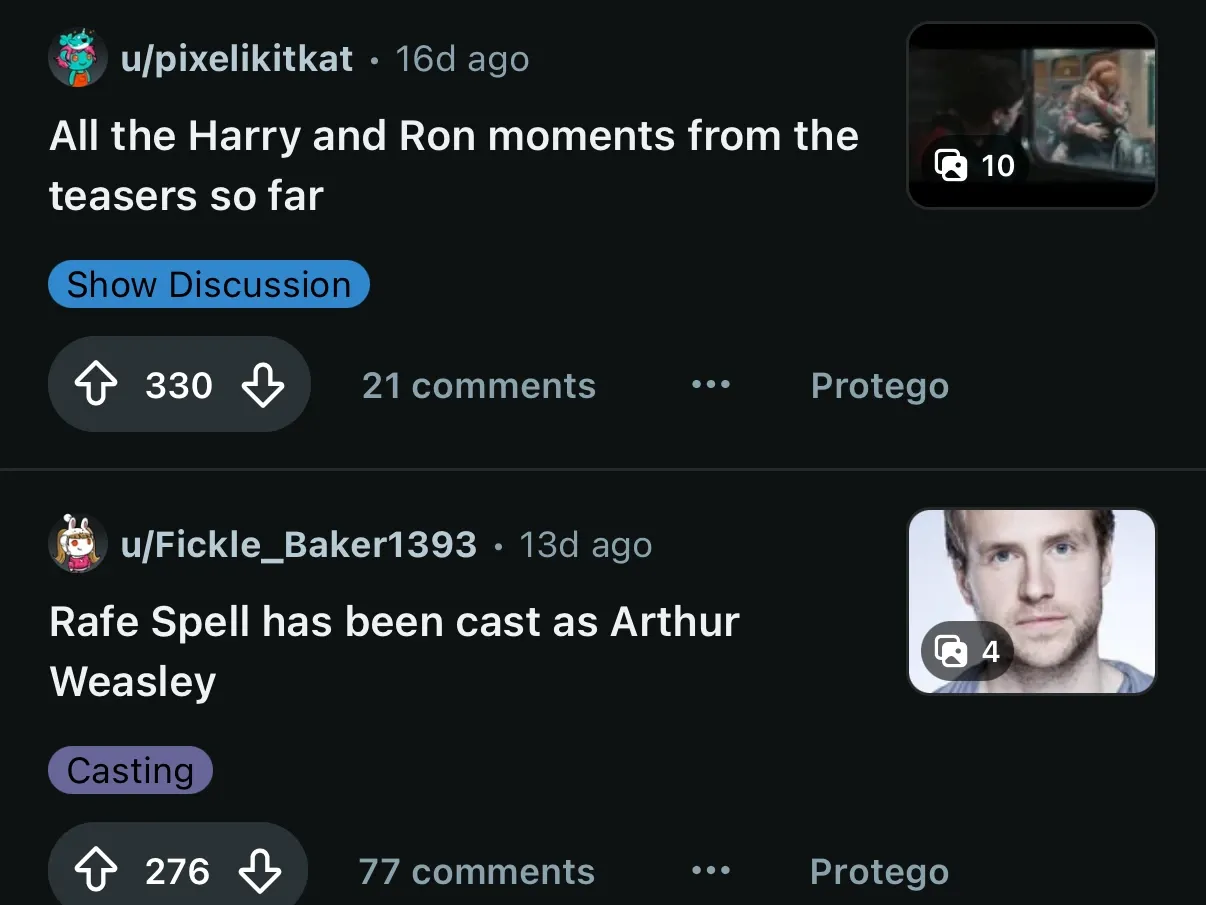
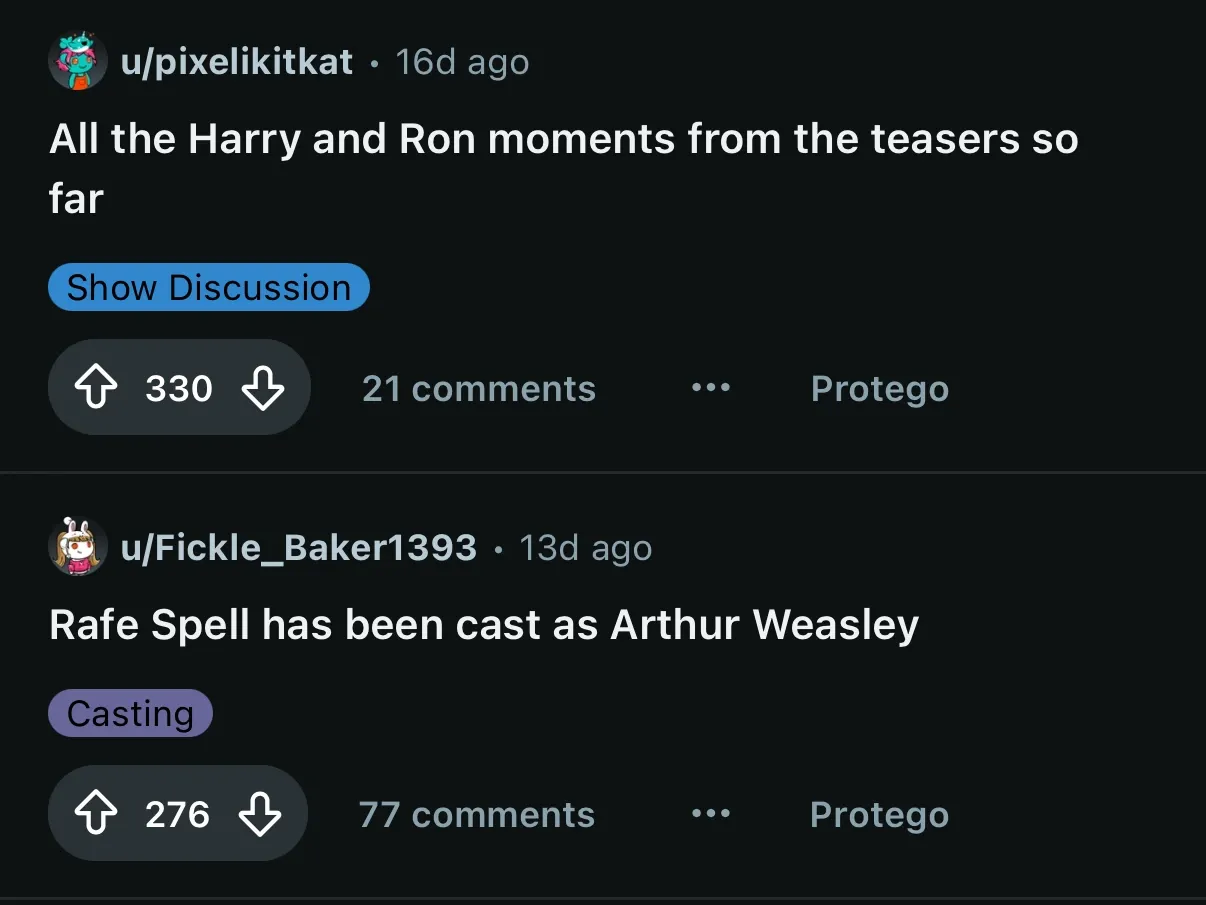
Browse without community and author avatars
Turn on Community & author avatars to hide the avatar beside a community or author name in feeds, page headers, and sidebar lists. New Reddit only.
Swap comment avatars for plain circles
Turn on Comment avatars to swap each commenter’s avatar for a plain gray circle. New Reddit only.
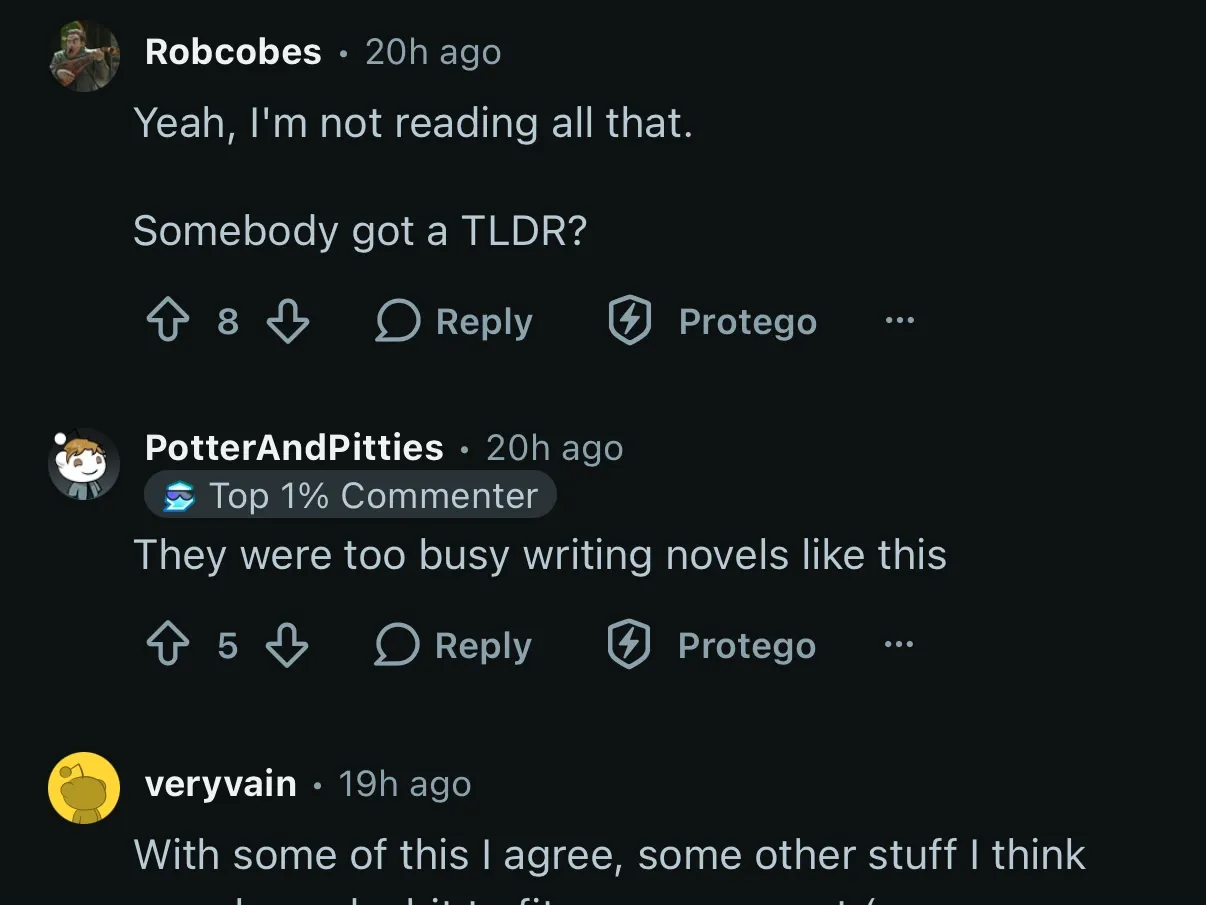
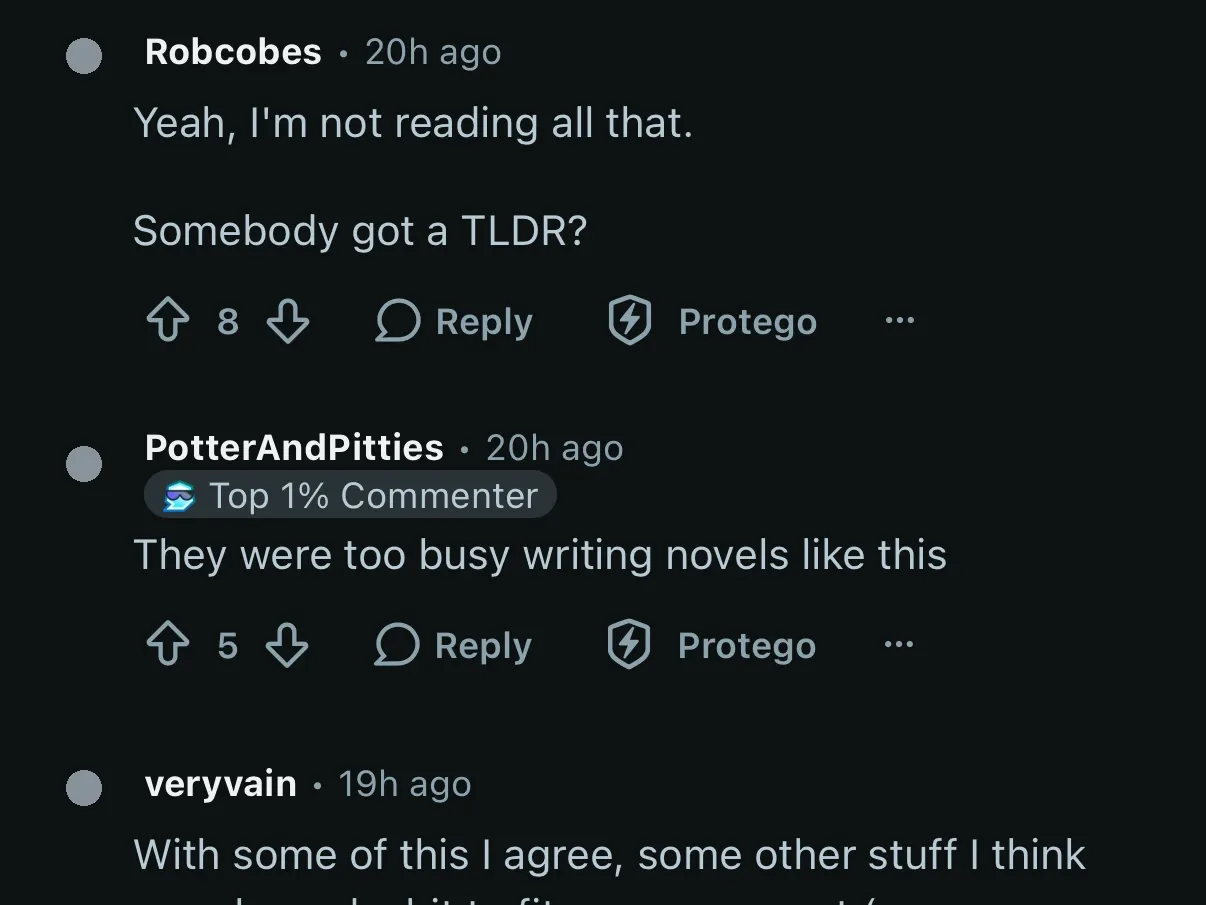
Hide community status emoji
Turn on Community status emoji to hide the emoji some communities set beside their name, on posts and on the community’s own page. New Reddit only.
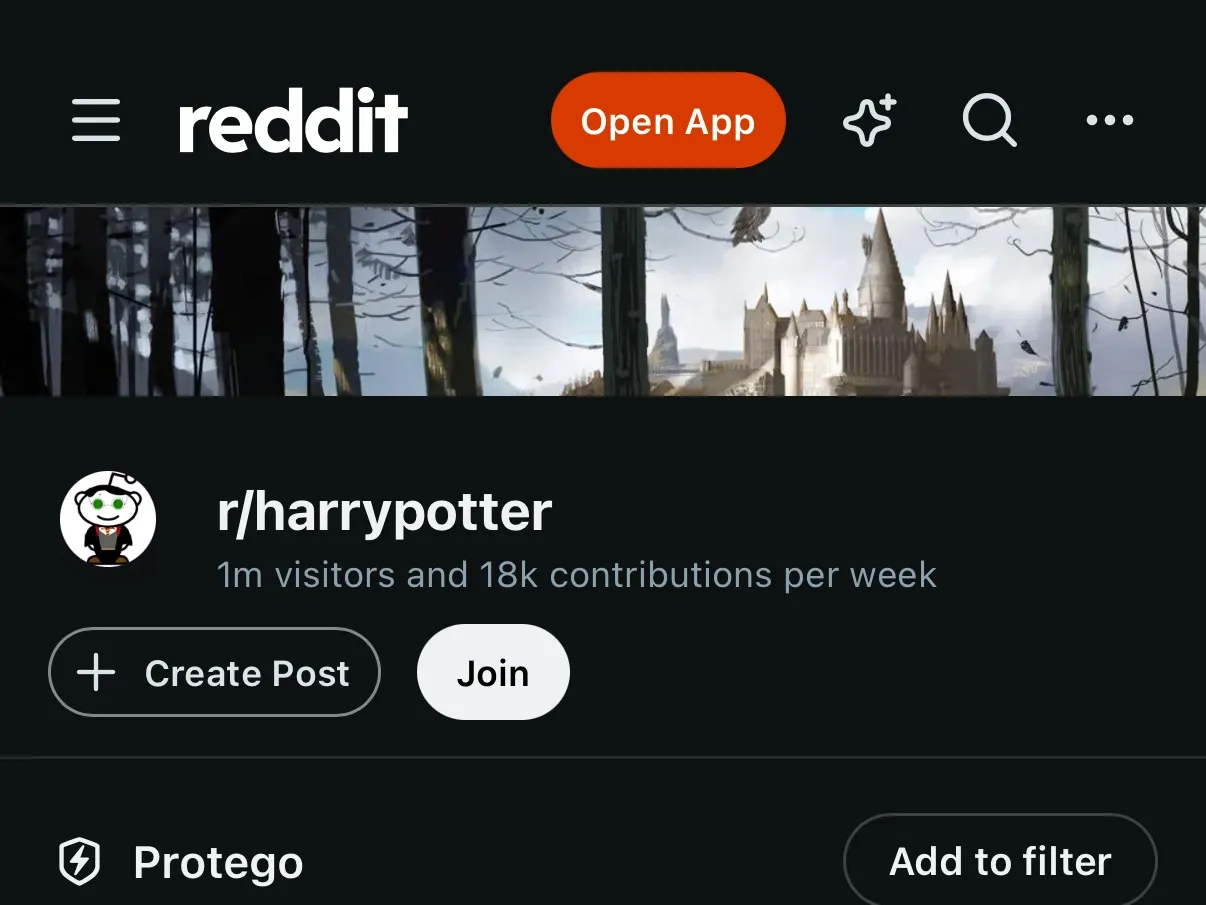
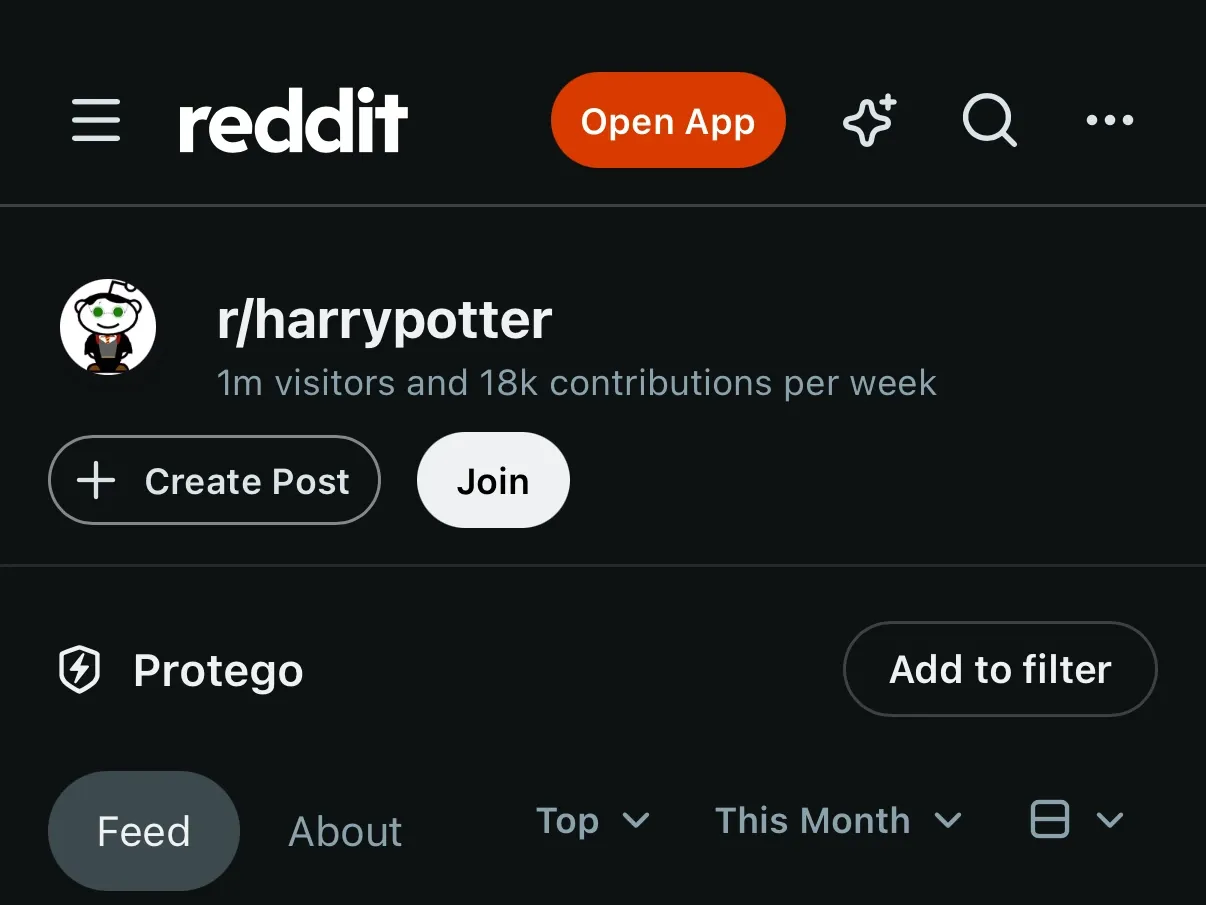
Reach a community’s posts sooner without banners
Turn on Community banners to hide the wide image across the top of a community’s page. New Reddit only.
Read usernames without user flair
Turn on User flair to hide the tag beside a username, on posts and in comments. It works on old Reddit too.
Read post titles without post flair
Turn on Post flair to hide a post’s category tag. It works on old Reddit too.