Reveal what Protego is filtering
Protego lets you see the posts your filters hid, each labeled with the filter that caught it.
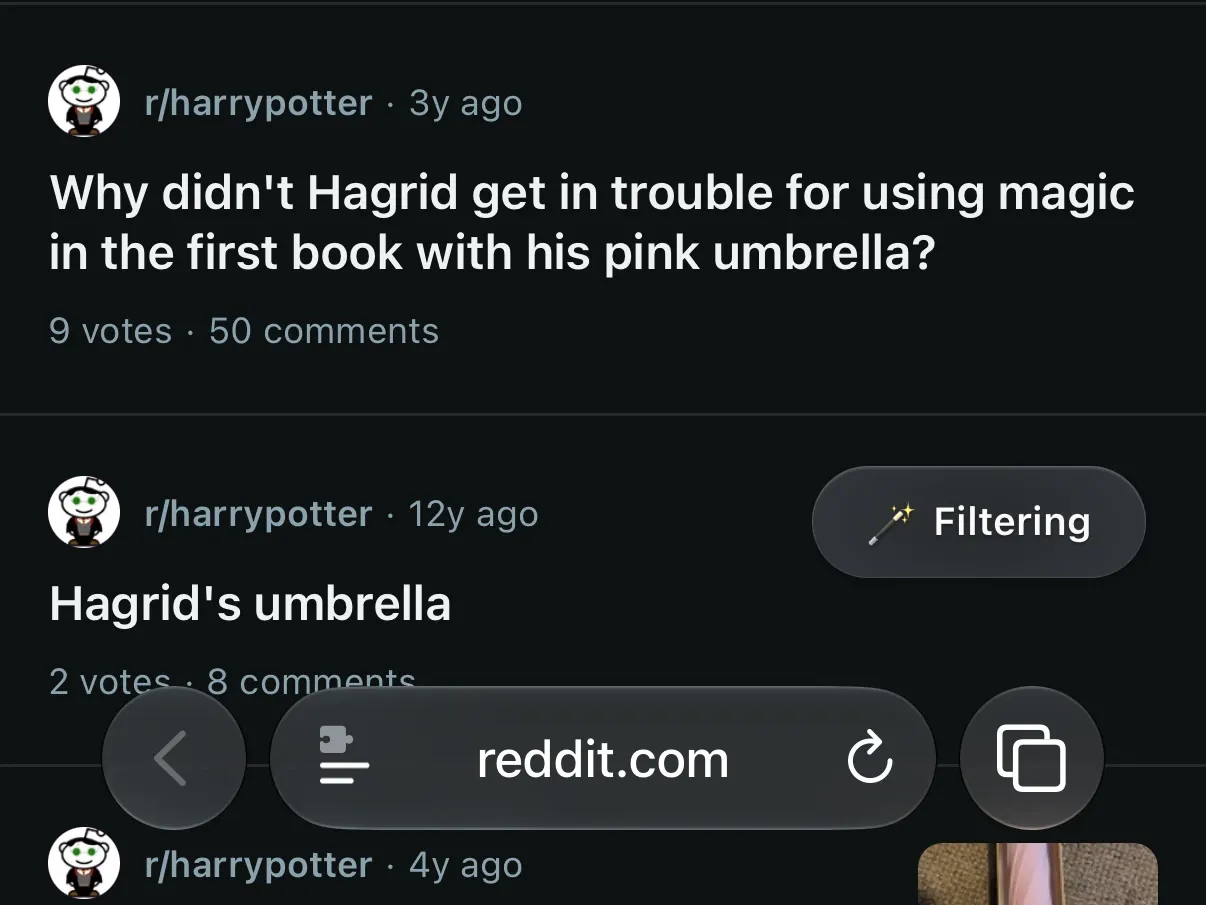
Filters work out of sight, which makes them hard to check. Did a new keyword catch what you meant, or a lot more? Reveal Mode shows the answer on the page you’re reading, and Filter Notifications shows a notice whenever filtering happened.
See what your filters caught with Reveal Mode
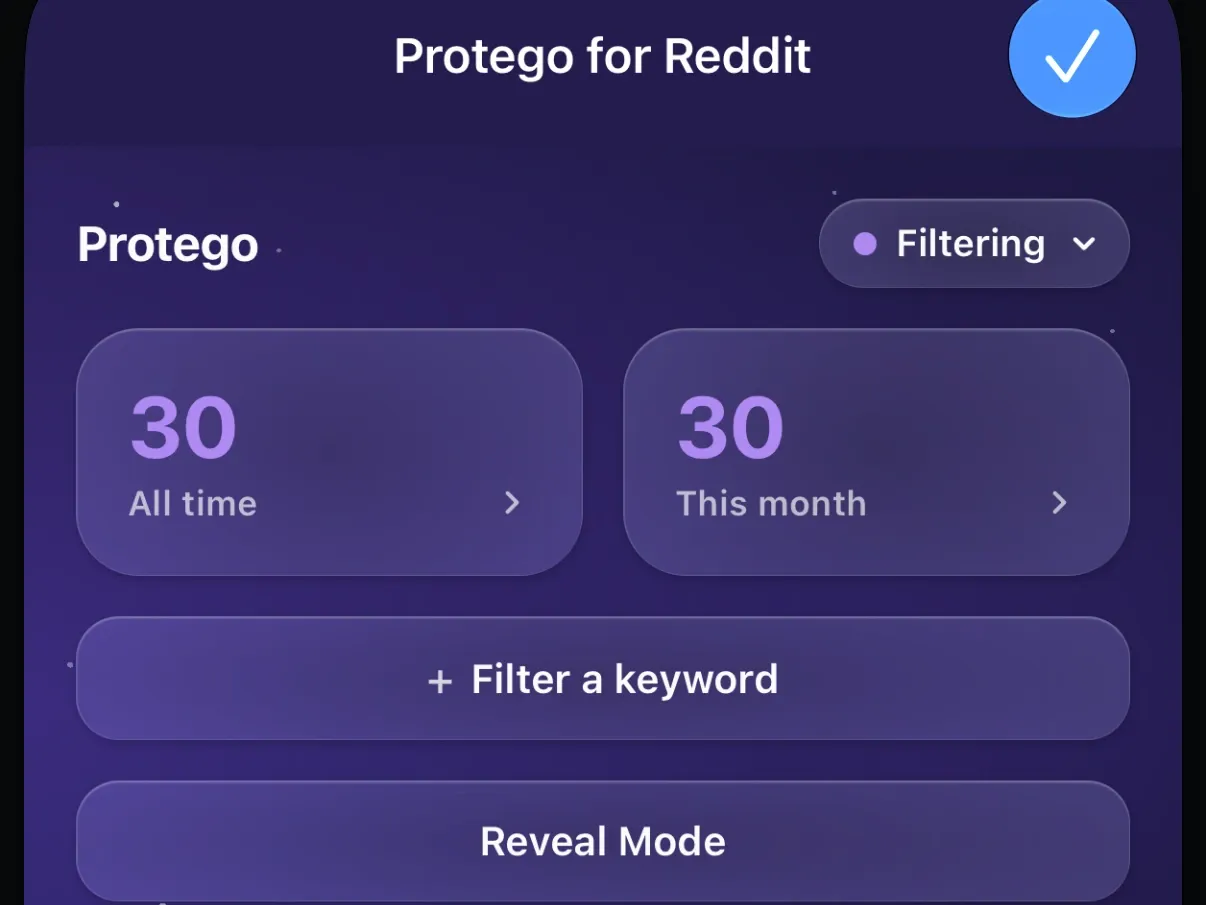
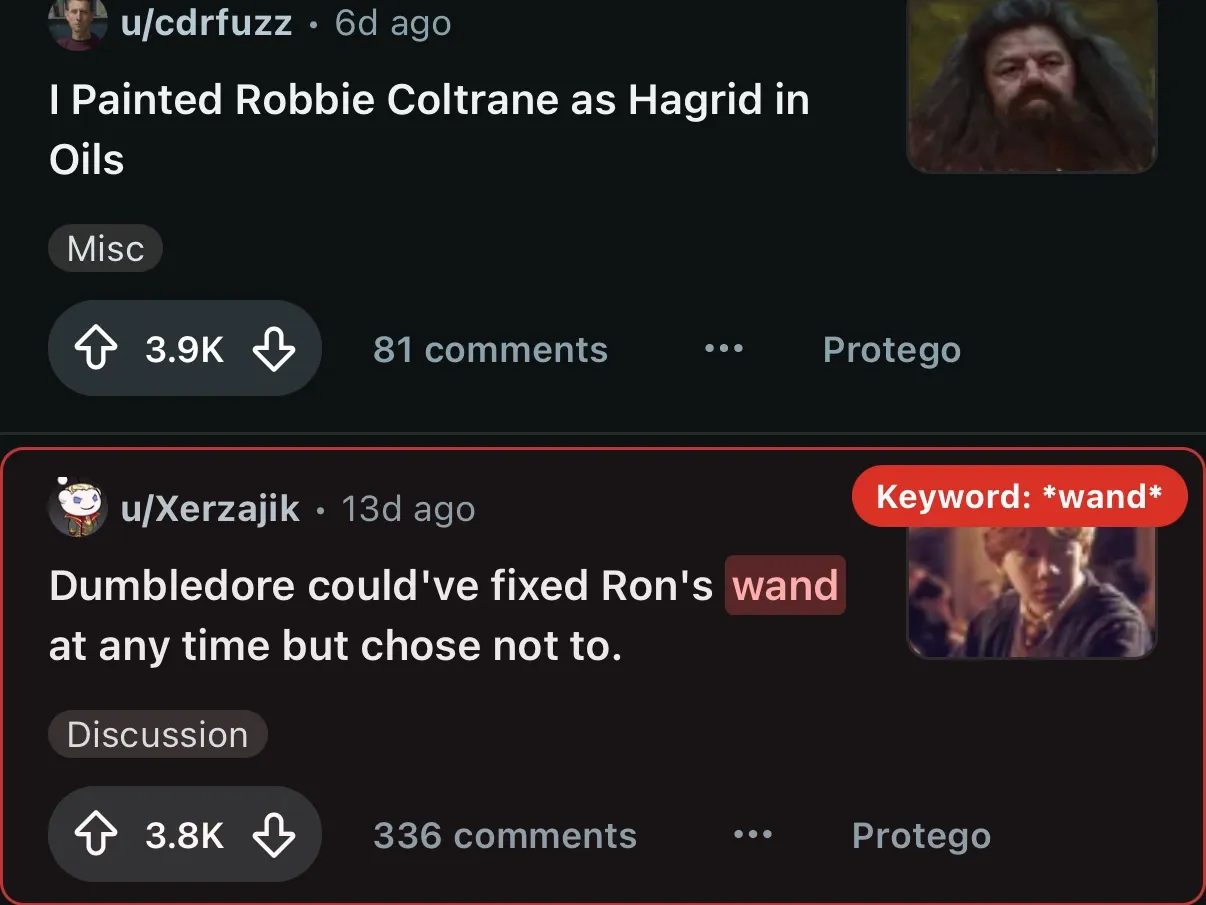
Open the Protego extension in Safari and tap Reveal Mode. The posts your filters caught reappear in place, each with a badge naming the filter that caught it. Tap Exit Reveal Mode to hide them again.
Preview a keyword before you save it
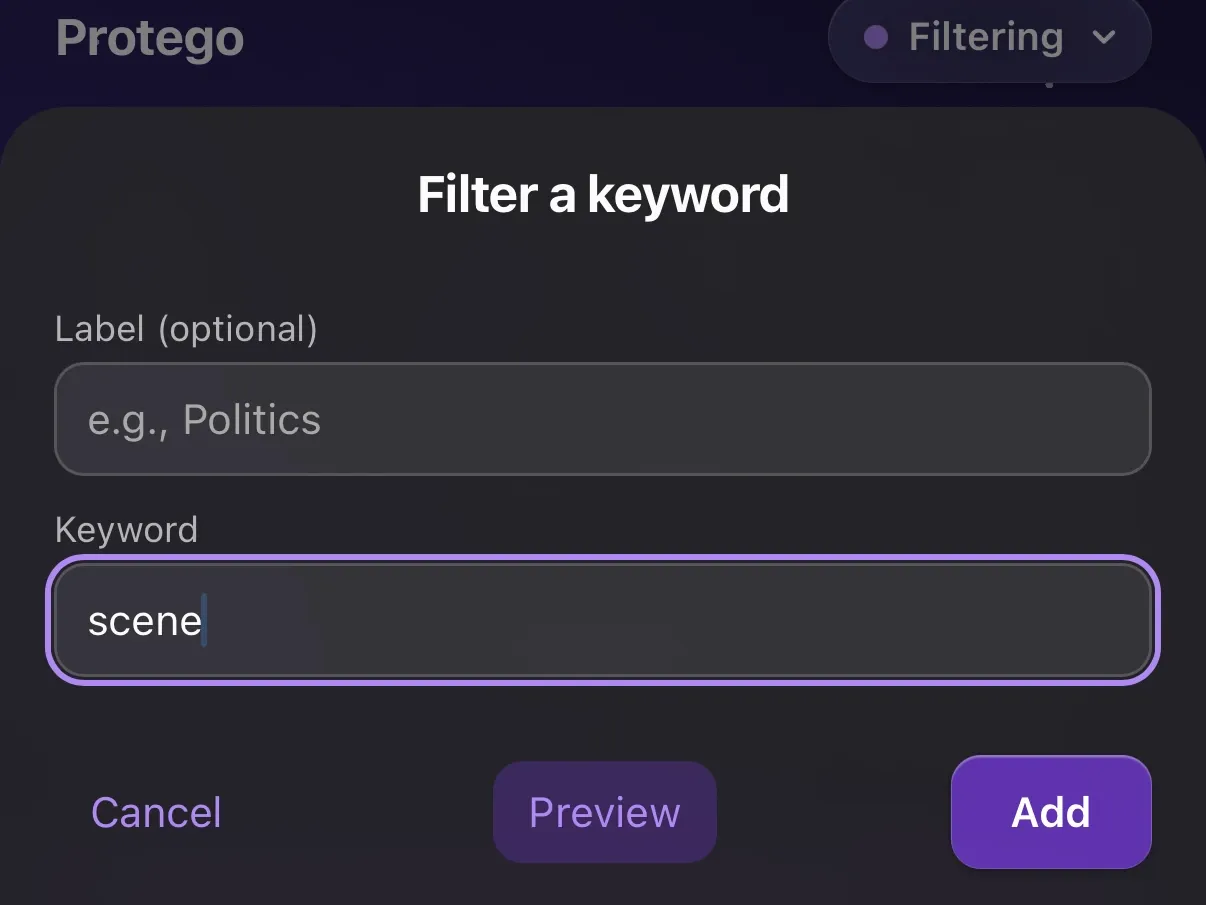
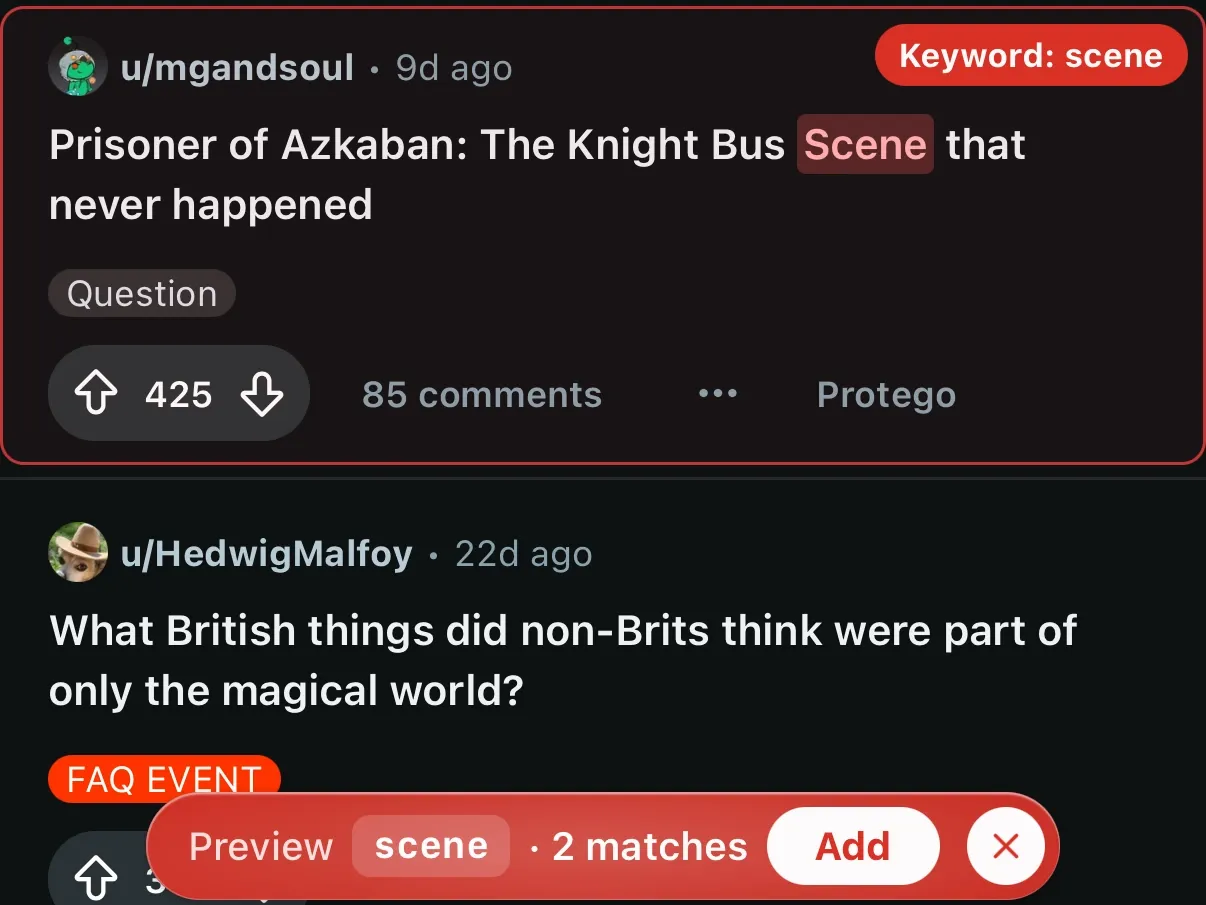
Open the Protego extension in Safari, type a keyword, and tap Preview. The page marks every post the keyword would hide, and a bar at the bottom counts the matches. Tap Add to save the keyword, or Cancel preview to drop it.
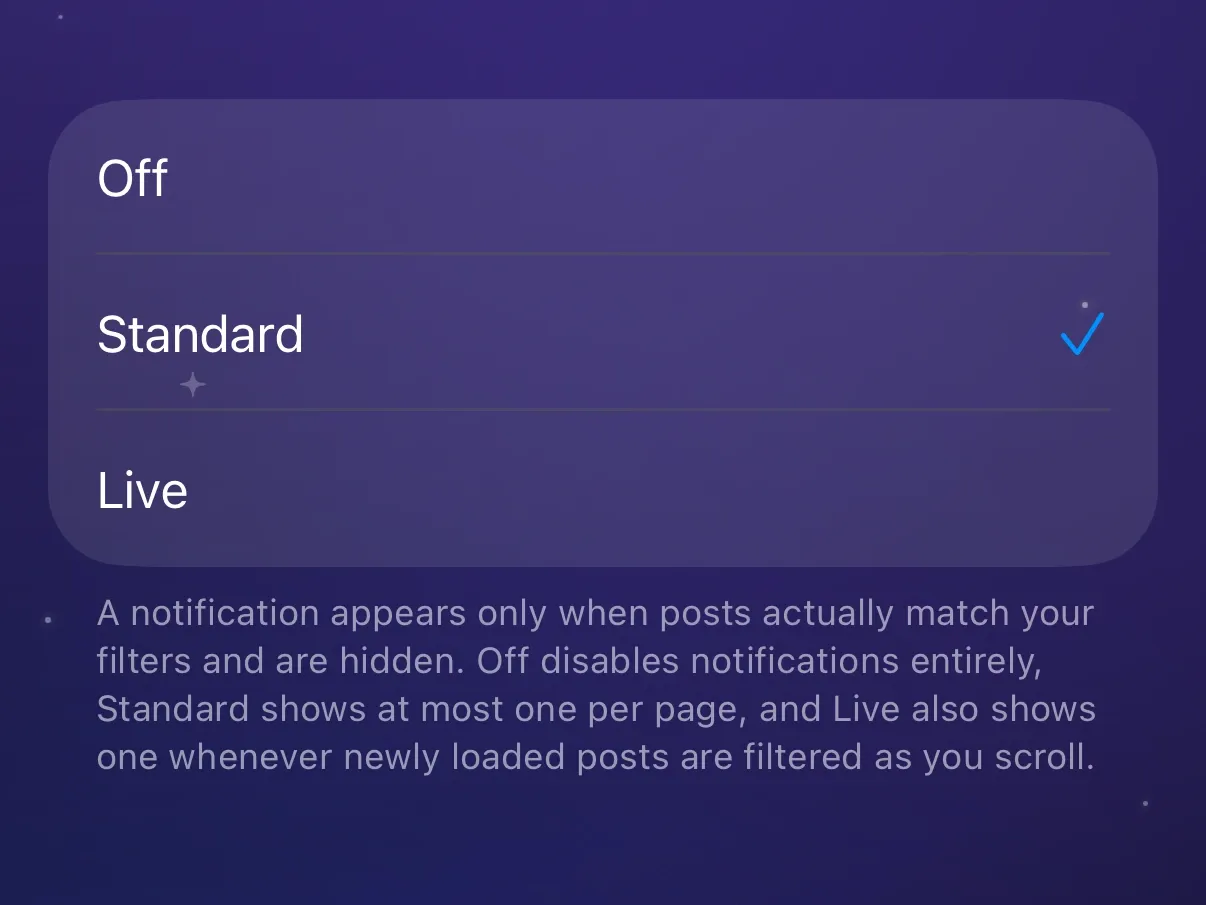
Know when filtering happened with Filter Notifications
Use Filter Notifications to show a short notice on the page when posts there were filtered. The notice says that filtering happened, not what was filtered.