Skip to content

Organize and pause your filters

Stop everything for a minute, or switch off one keyword and leave the rest of your lists working.

A filter list is not something you set once. A keyword that earned its place the week a new book landed is noise a month later, and a rule you wrote in a hurry stops explaining itself by the third week. Reddit should match the week you are in, not the week you set it up in, and none of that tuning costs you a filter.

Pause all filtering at once

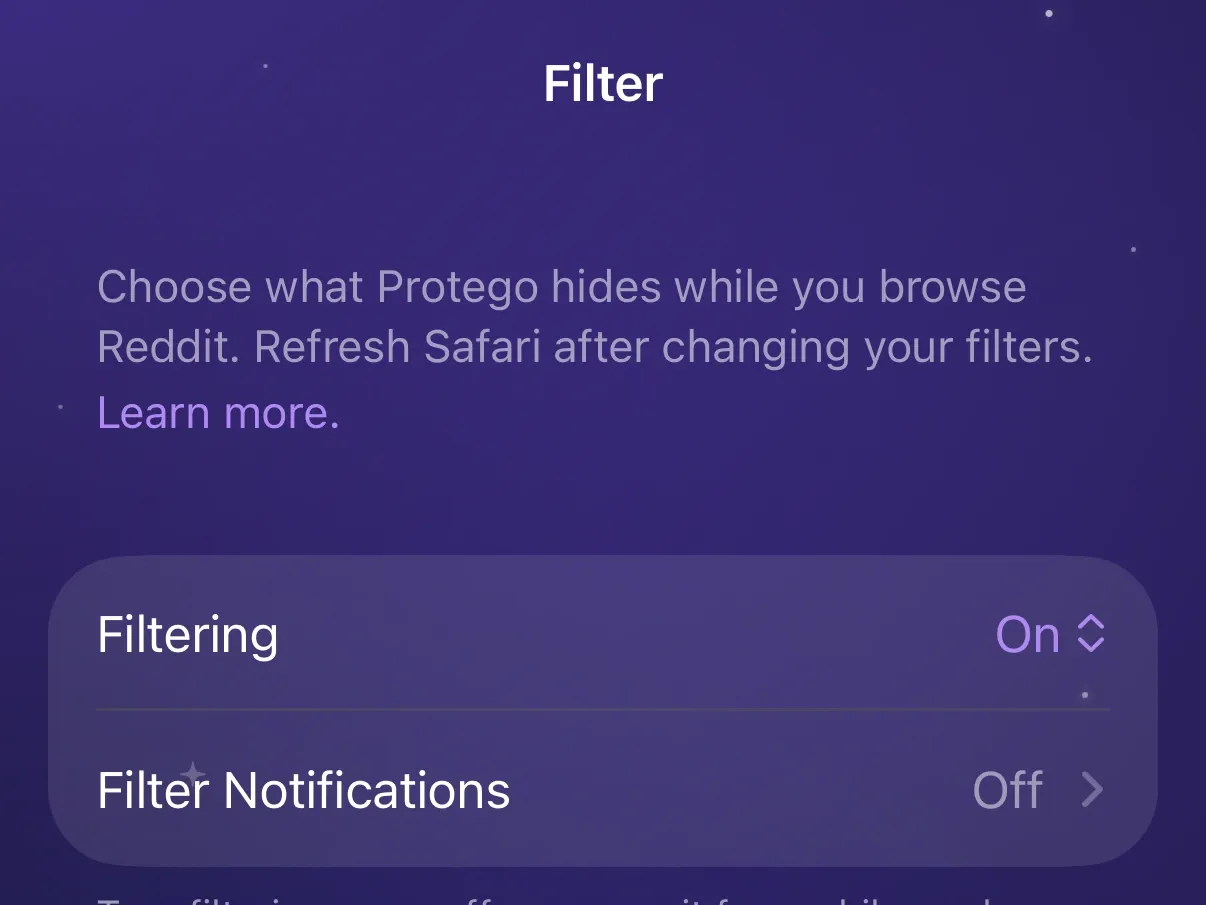
The Filter switch at the top of the Filter tab is on from install and works per device: pausing on your iPhone leaves your Mac filtering. Off stops every filter and changes none of them. Filtering only: Browsing Limits, the Transform settings, and the buttons on Reddit keep working.

Pause filtering from Safari’s toolbar

The Protego button in Safari’s toolbar carries a Filtering switch, so a pause costs you no trip to the app. Flipping it takes effect on the page behind the popup immediately: off puts the hidden posts back, on takes them away.

Switch off without deleting

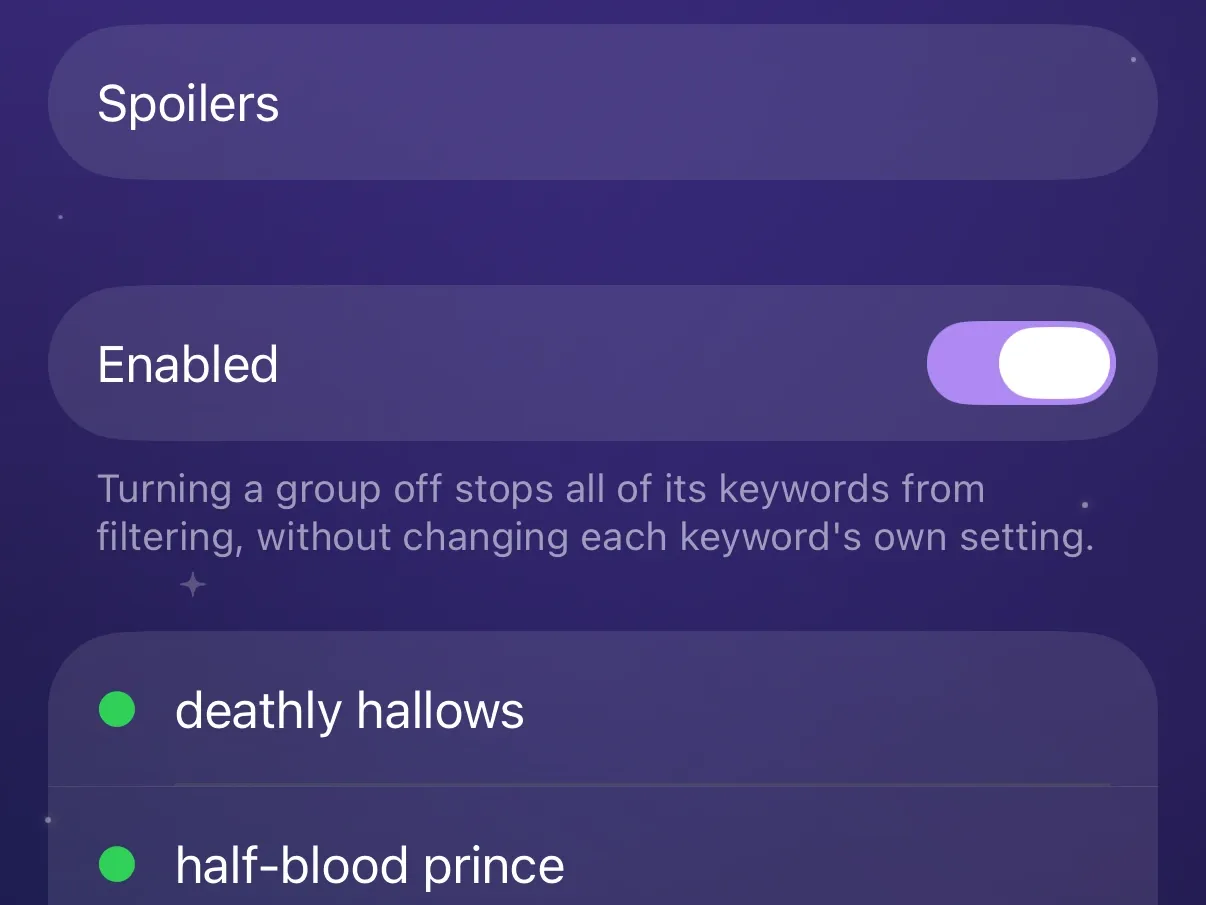
Every entry in Keywords, Communities, Users, and Domains carries its own Enabled switch. A switched-off filter stays in your list and matches nothing, which is the difference between not today and never again.

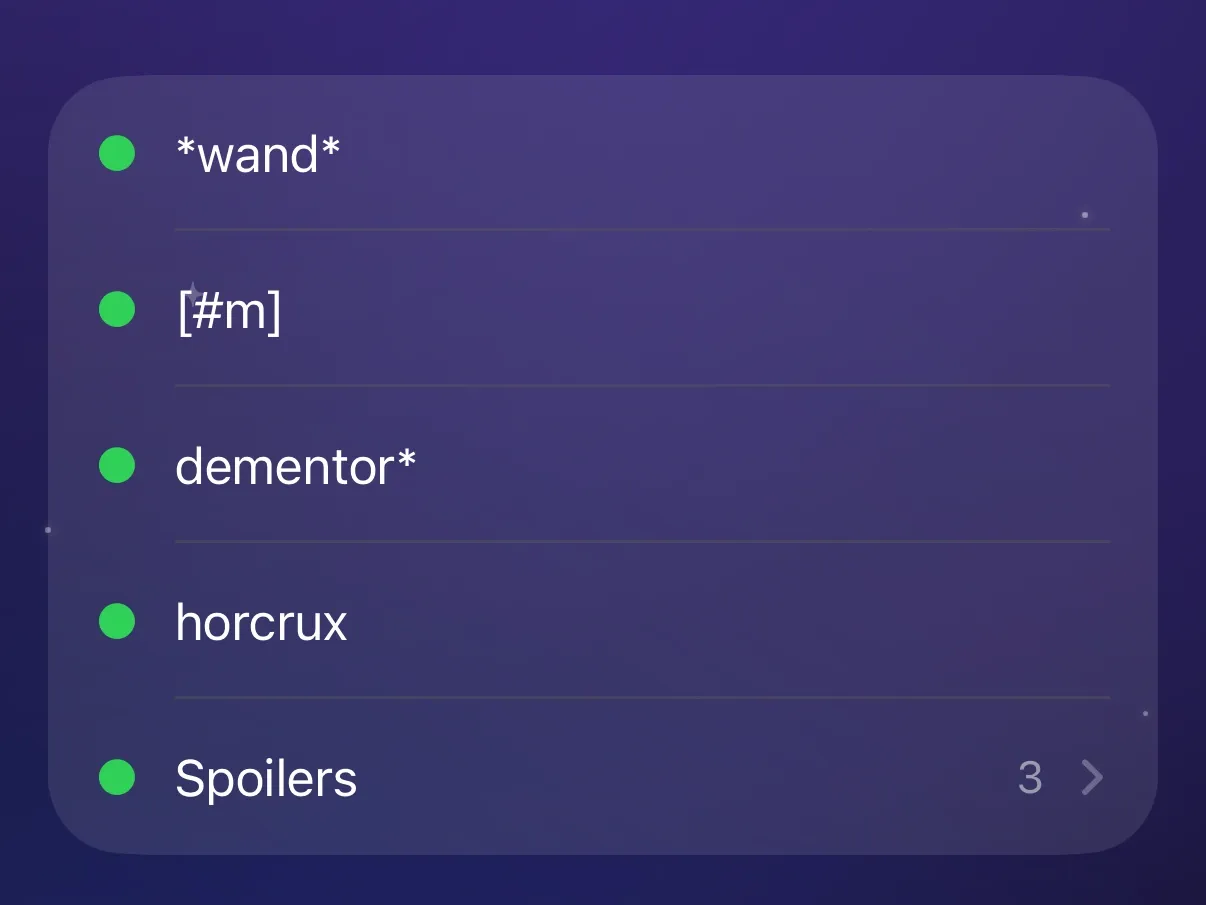
Keywords only. A group gathers related keywords under one name and gets a switch of its own. Switch a spoiler group on the night r/hogwarts is arguing about the ending, and off again in the morning with every keyword as it was.

Delete or group several keywords at once

On Keywords, Select turns the rows into checkboxes, group rows included. A bar along the bottom offers Delete and Add to Group, so a dozen stale keywords go in one pass. Add to Group moves loose keywords only, so it greys out whenever a group row is selected.

Name a filter with a label

The Label field takes an optional name on any keyword, community, user, or domain, and the list shows it in place of the entry itself. [#m] means nothing in three weeks; Age tags still does.

Choose where Protego appears on Reddit

Protego puts a button on posts and comments, and a section on community pages and profiles, so a filter goes on, and comes back off, from the page you are reading. Settings, then Buttons on Reddit, carries a switch for each of the four, all on from install. Turn one off to keep the button only where you use it.

How to turn these on

  1. Open Protego and go to the Filter tab. The Filter switch at the top turns all filtering on and off. The same switch is in the Protego button in Safari’s toolbar, reading Filtering.
  2. Tap a list, then tap an entry to open it. Enabled and Label live there, and Group too on Keywords.
  3. On Keywords, tap Select in the top right to work on several at once.

See everything Protego does

A calmer Reddit is one tap away