Hide votes, awards, and badges
Hide the vote arrows and score, the Award and crosspost buttons, and Reddit’s achievement badges and updates.
Every post is judged before you read it. You see its score before you open it, you are prompted to vote on something you have not read yet, and Reddit keeps a running tally of your own posting in the corner. Switch the counters off and the same posts are still there, in the same order, with nothing telling you what to make of them first.
Read a post before you know its score
Turn on Vote count to hide the number on posts and comments, so what you make of a thread is yours rather than the crowd’s. The arrows stay, so you can still vote. Turn on Vote buttons to hide the arrows too, when voting is the reflex you want gone.
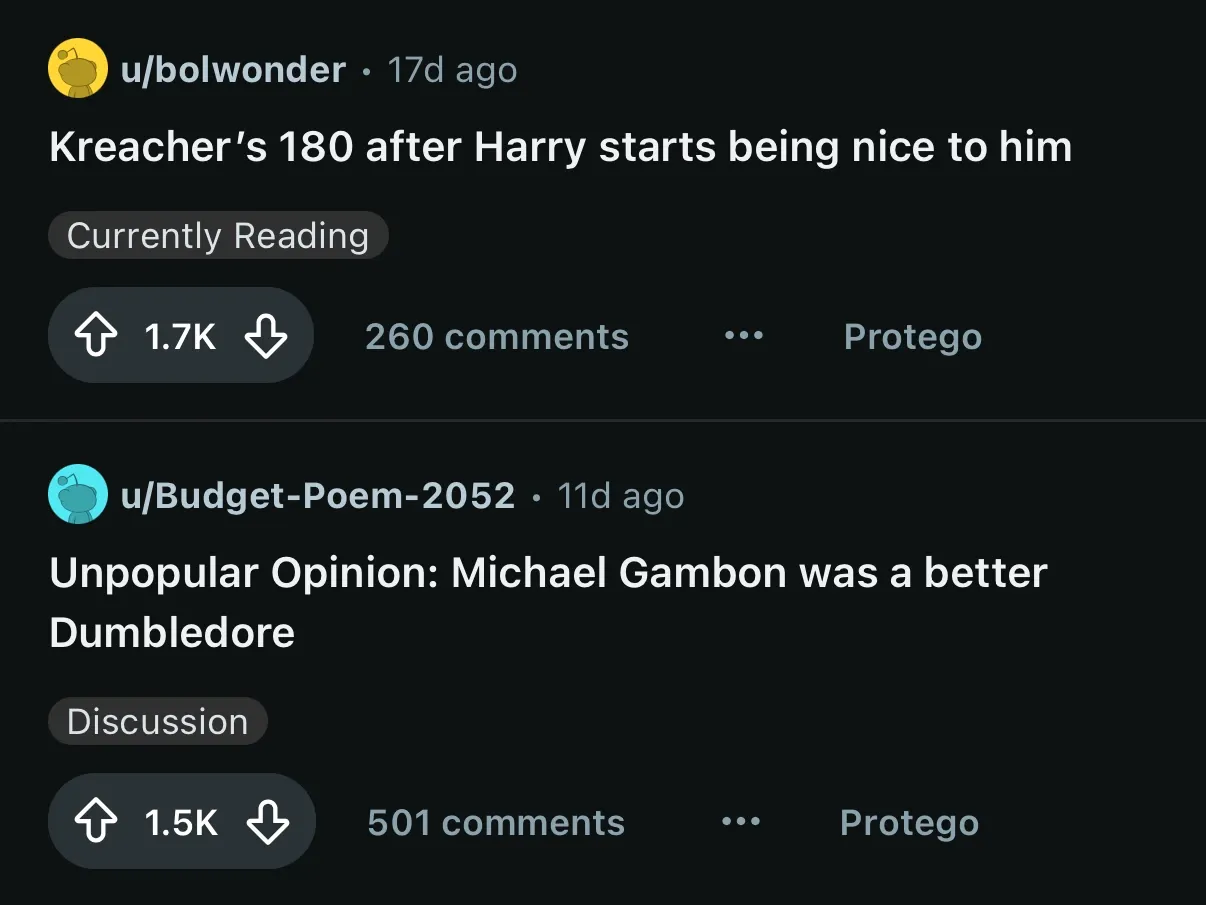
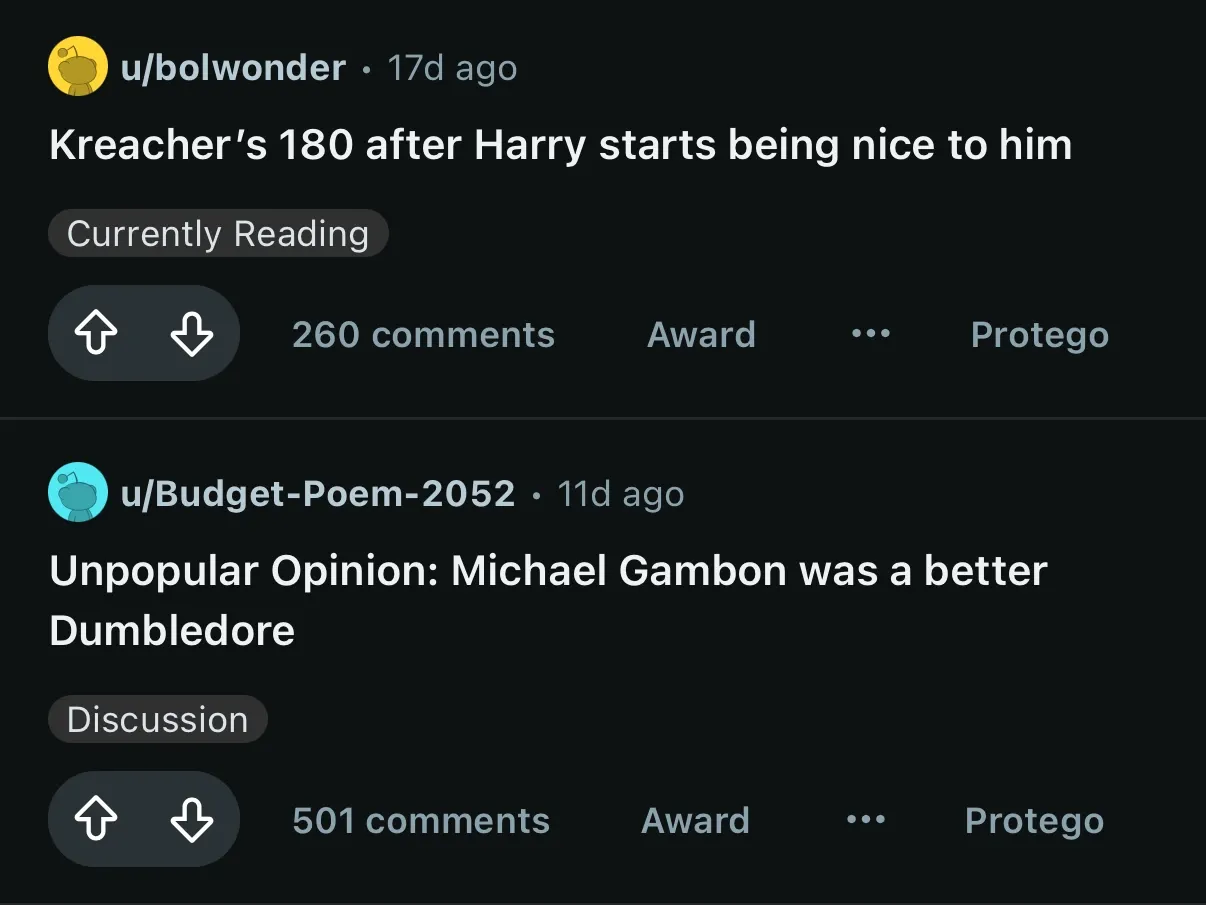
Trim a post’s buttons down to what you use
Turn on Award buttons to hide the prompt to pay for a post, rather than read it, in post and comment action rows (new Reddit only). Turn on Crosspost button to hide the crosspost control in feeds and on an opened post (Repost on new Reddit, crosspost on old). Every other control in the row stays.
Hide the achievements Reddit hands out
Turn on Achievement badges to hide Reddit’s recognition pills, such as Top 1% Commenter, on usernames and the Community Achievements section in a community’s sidebar, so a name is just a name (the pills are English-language Reddit only for now). Turn on Achievement updates to hide the pill Reddit shows in the corner after you share or comment. Both are new Reddit only.
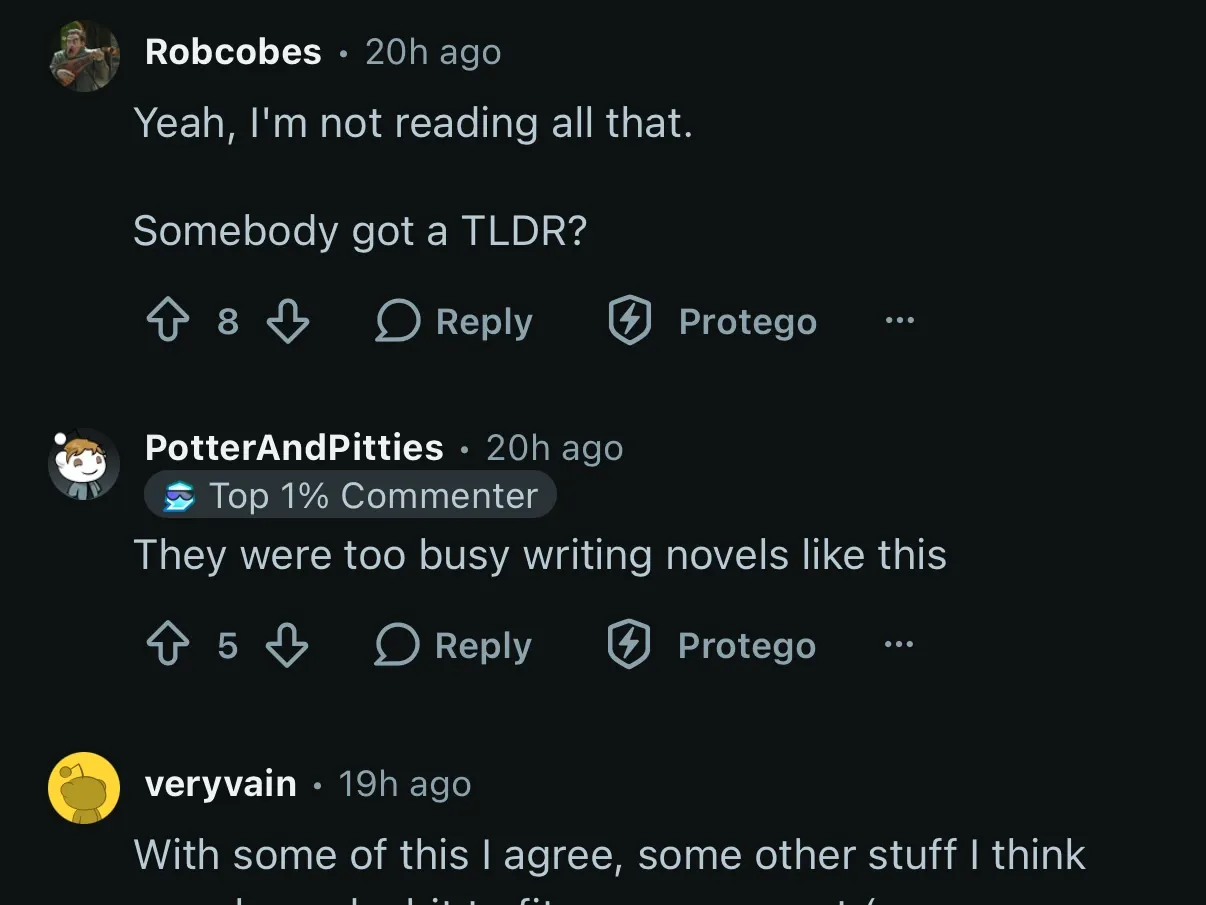
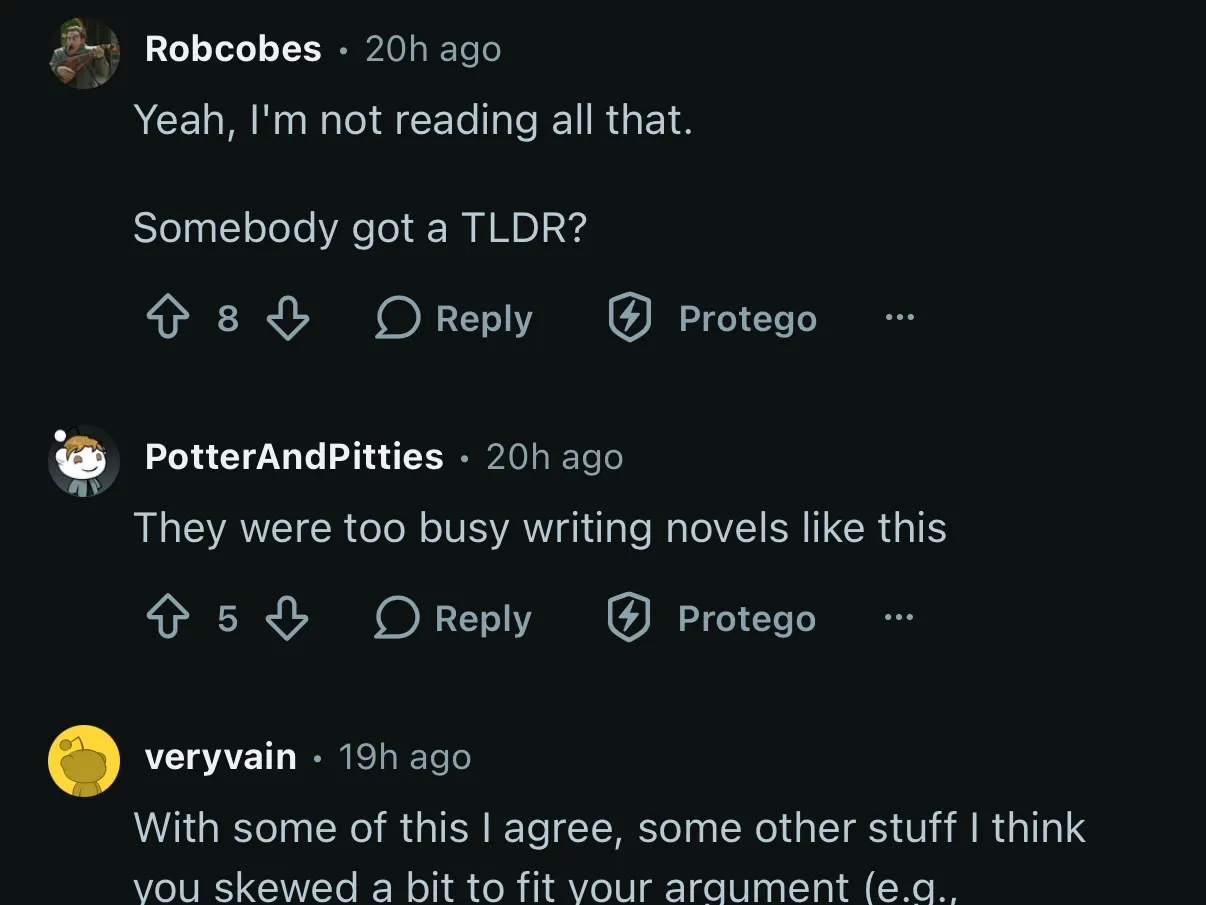
Start from a preset, then set your own
A preset turns on a group of the Votes, Awards & Badges switches as you move up its ladder, and every switch it sets stays yours to change afterward. No preset hides the vote arrows, and applying a preset puts them back.