Filter Reddit by social media
Protego hides Reddit link posts that point to the social platforms you switch on, from a ready-made list.
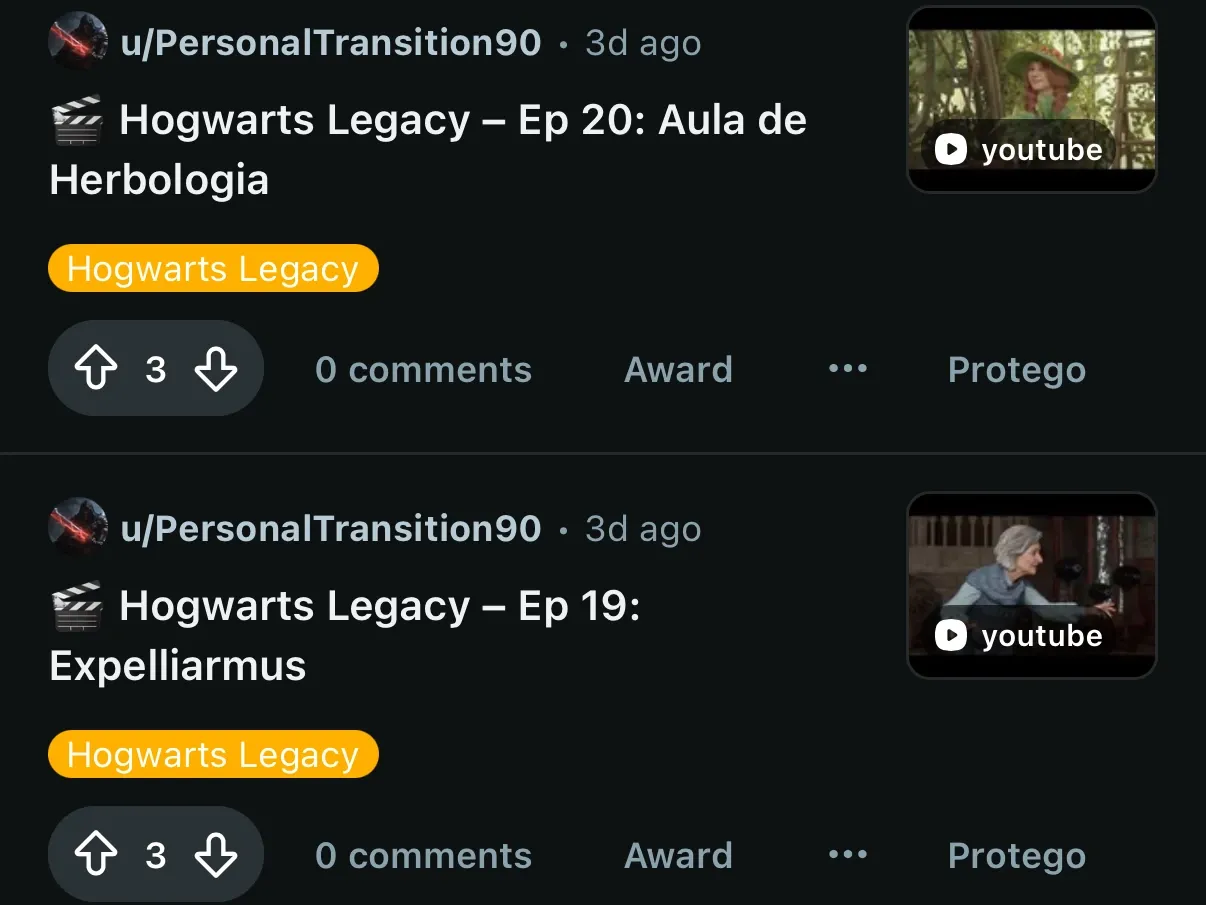
You joined r/hogwarts for the conversation, and half of the posts are videos hosted somewhere else, with the comments happening over there too. You can filter those posts in one step, while the community, its text posts, and the threads you came for stay exactly where they were.
Switch on a platform instead of typing its addresses
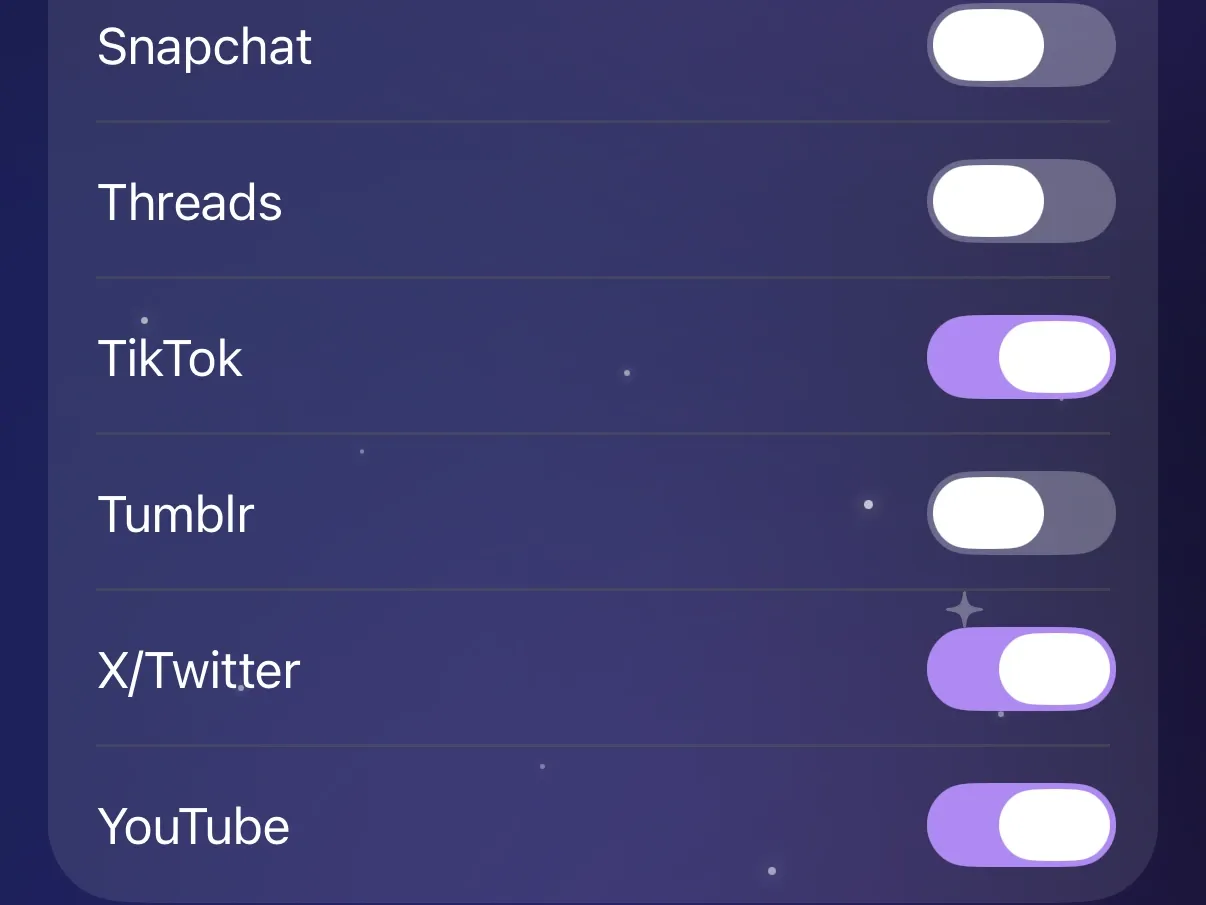
Bluesky, Facebook, Imgur, Instagram, LinkedIn, Mastodon, Pinterest, Snapchat,
Threads, TikTok, Tumblr, X/Twitter, and YouTube each have their own switch. Each
switch covers the platform’s main addresses, so X/Twitter includes t.co along
with twitter.com and x.com. Several platforms’ short links are in there too,
which a hand-typed list often misses.
Clear a whole category of link posts at once
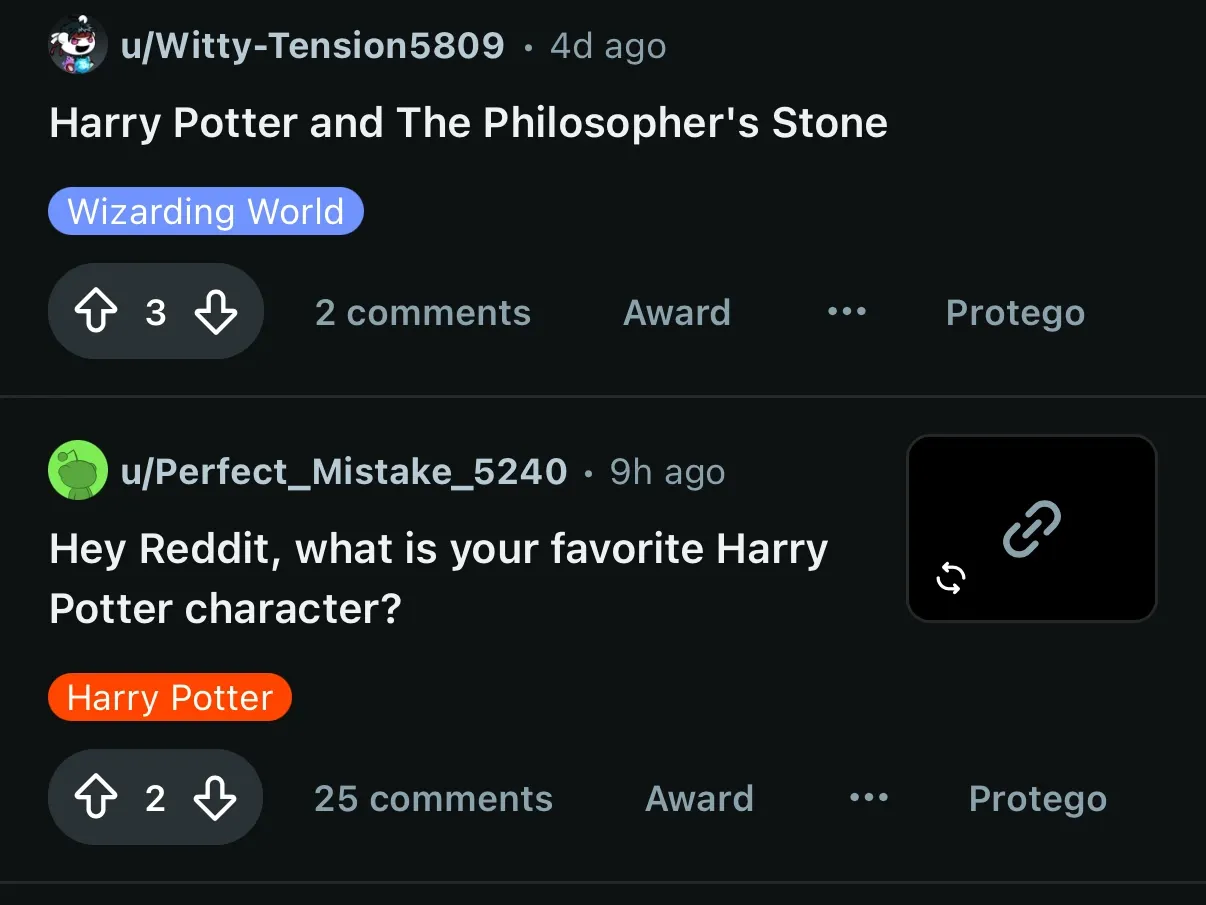
Turning on a platform filters every post whose link points there, wherever it turns up: feeds, community pages, and profiles. The link is what matters, not the subject, so a text post about a platform stays, and so do comments. One tap is the shortest route from a feed of reposted video to a feed of Reddit.
See which address caught a post
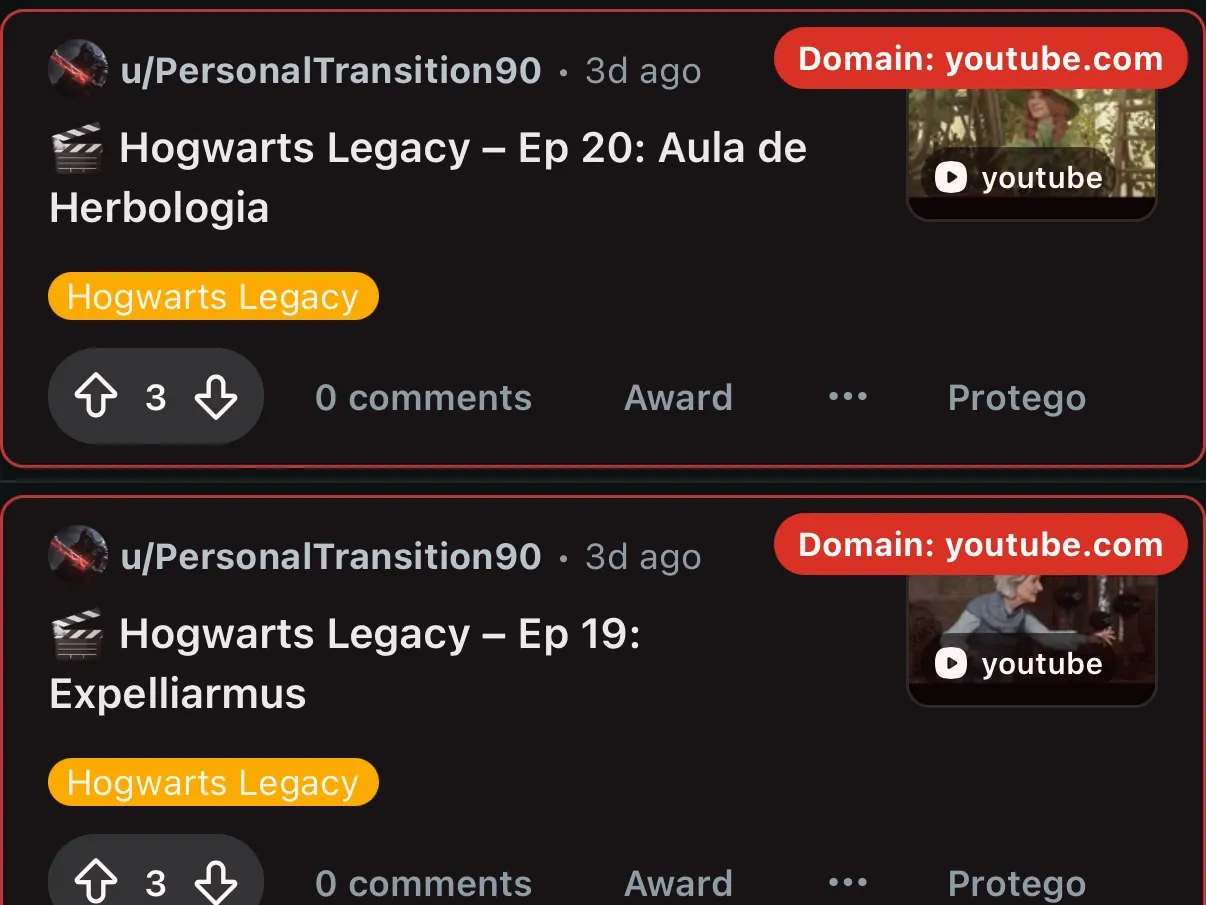
Turn on Reveal Mode and a post the YouTube switch caught shows a badge reading Domain and the address that matched, not the platform’s name.
Filter a site the list does not cover
The thirteen platforms are the whole preset, so a site outside them needs an entry of its own. Type its address under Domains.
Switch platforms back off, one or all
Switch a platform off and the link posts it was hiding reappear, so trying one for a week costs nothing. Disable All, in the Social Media options menu, turns every platform off after you confirm.