Change how feeds behave
Protego lets you open Reddit posts in a new tab, change the default sort, and see post authors.
You scroll deep into a feed, tap one post, and lose your place. You can’t tell who posted something without opening it, and most feeds open sorted by Best whether you like it or not. Protego fixes each of those with one setting.
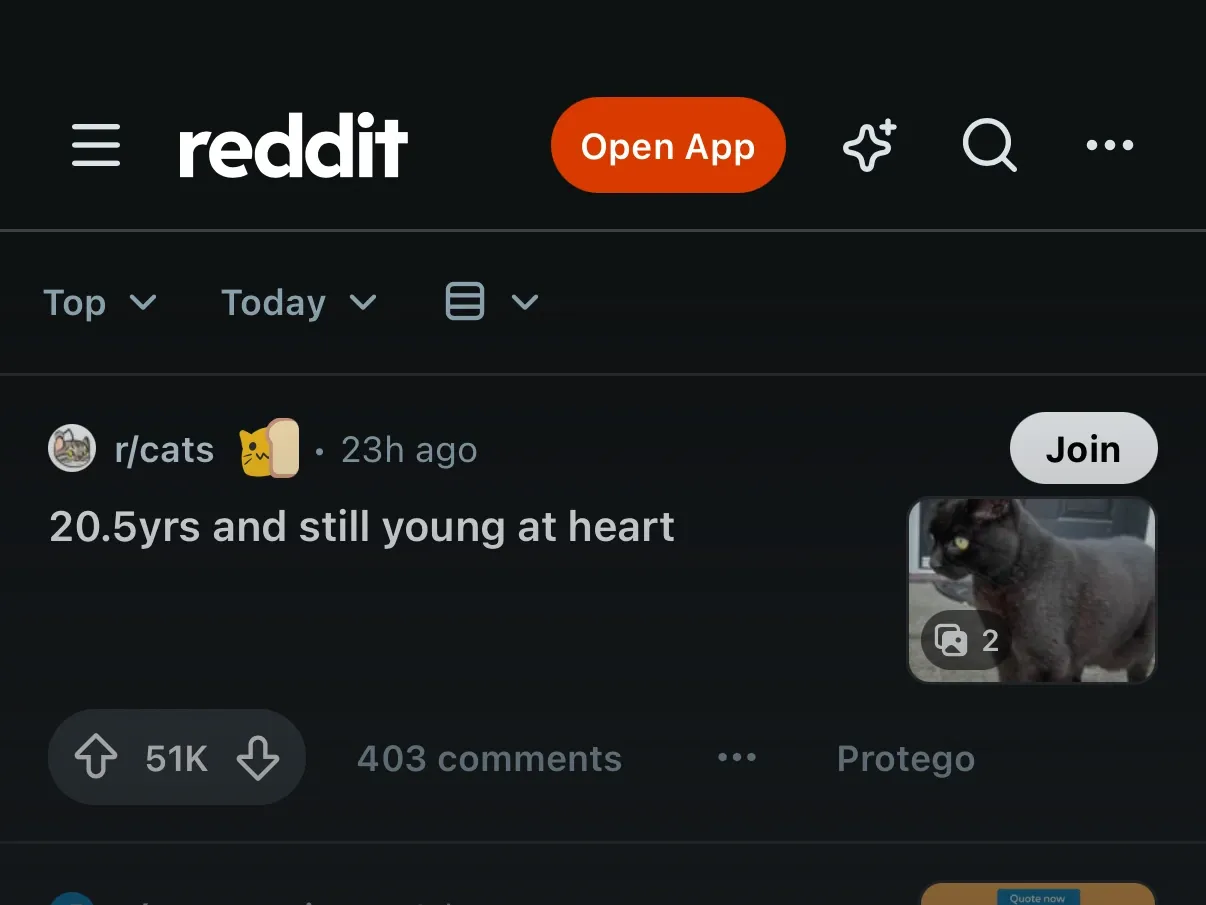
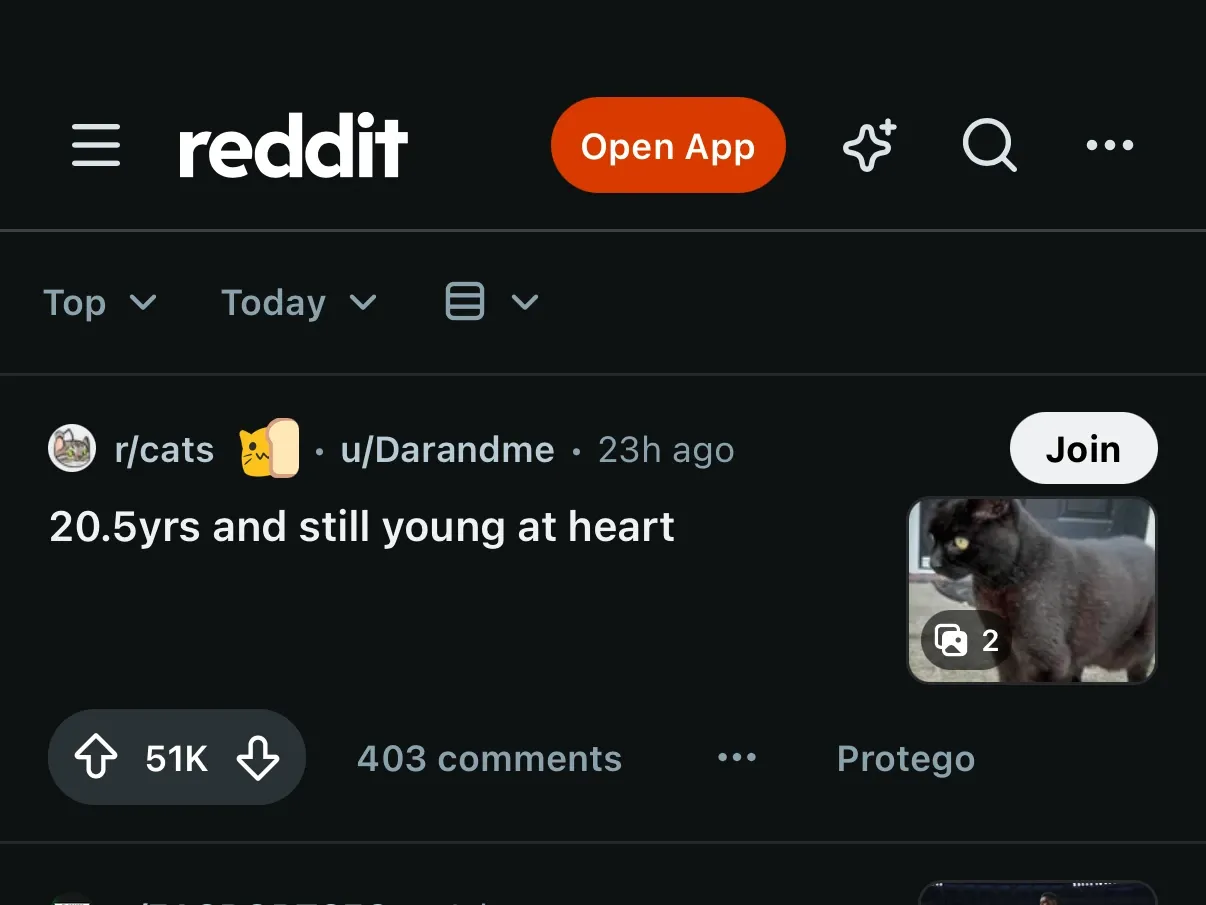
Show the post author on feeds
Reddit’s home, popular, and news feeds show the community a post came from, but not who posted it. Show author on feeds adds the username next to the community name. New Reddit only.
Open posts in a new tab to keep your place
Open posts in a new tab opens each post you tap in a tab of its own, so the feed stays where you left it. It works on home, community, and user feeds, on old Reddit as well as new.
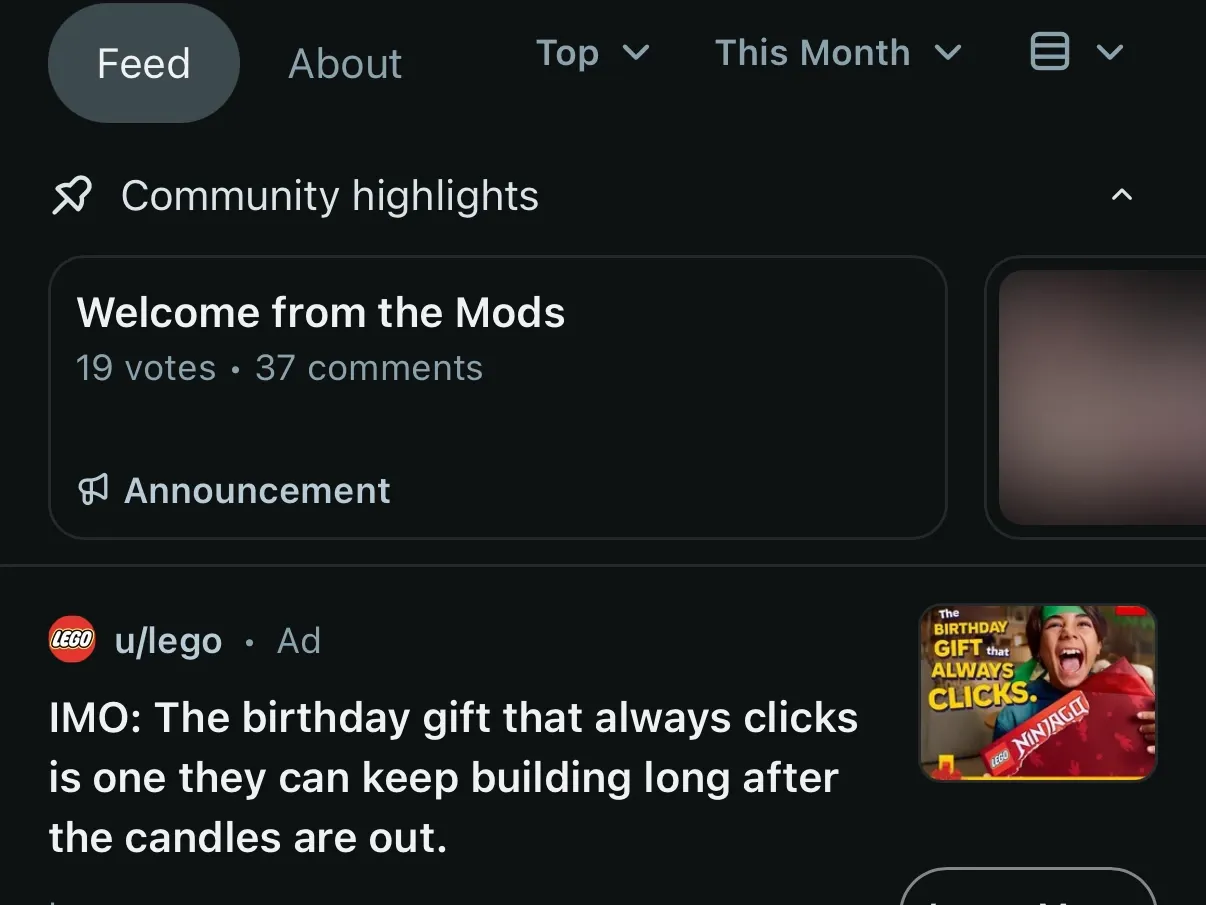
Hide Community highlights on community pages
Hide Community highlights removes the pinned strip at the top of a community page, so its posts come first. New Reddit only.
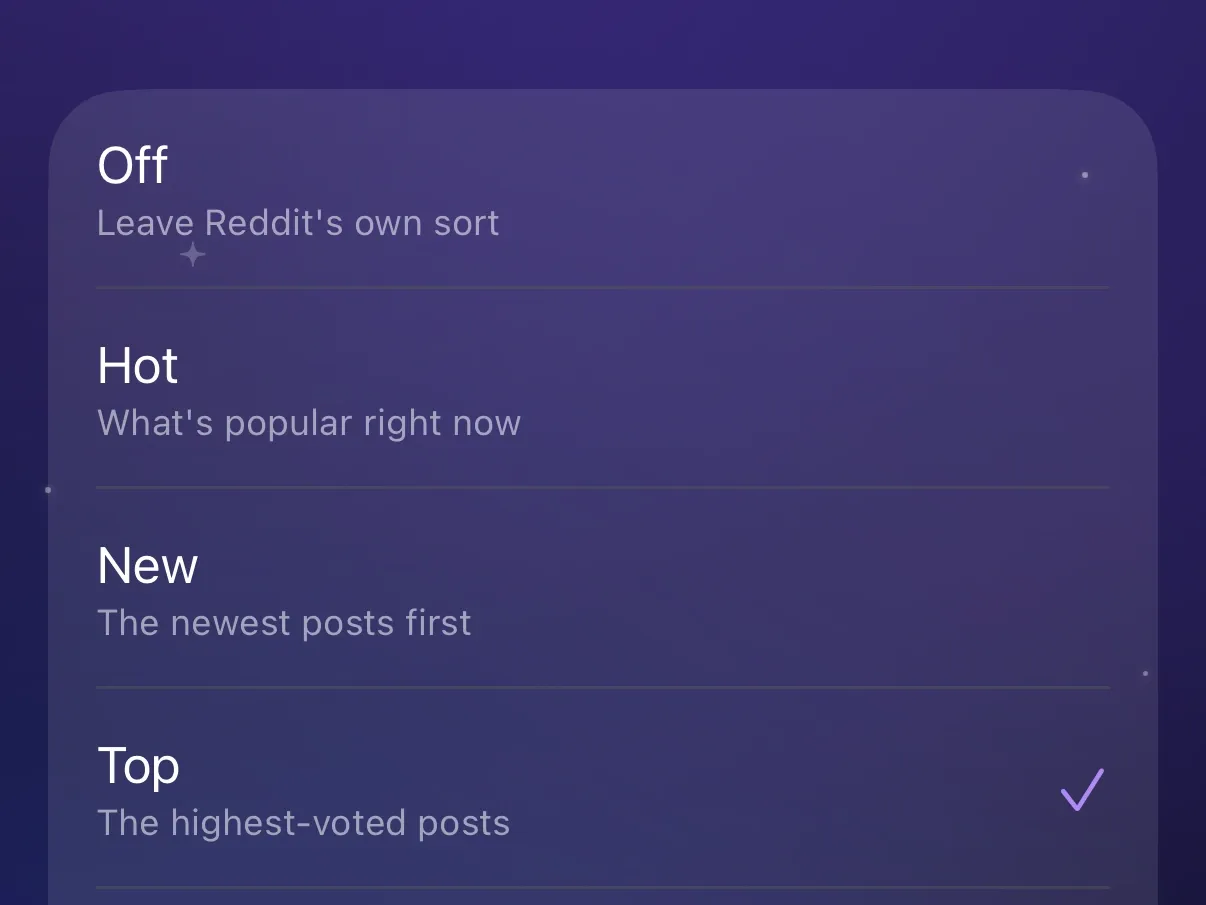
Choose the sort order your feeds open with
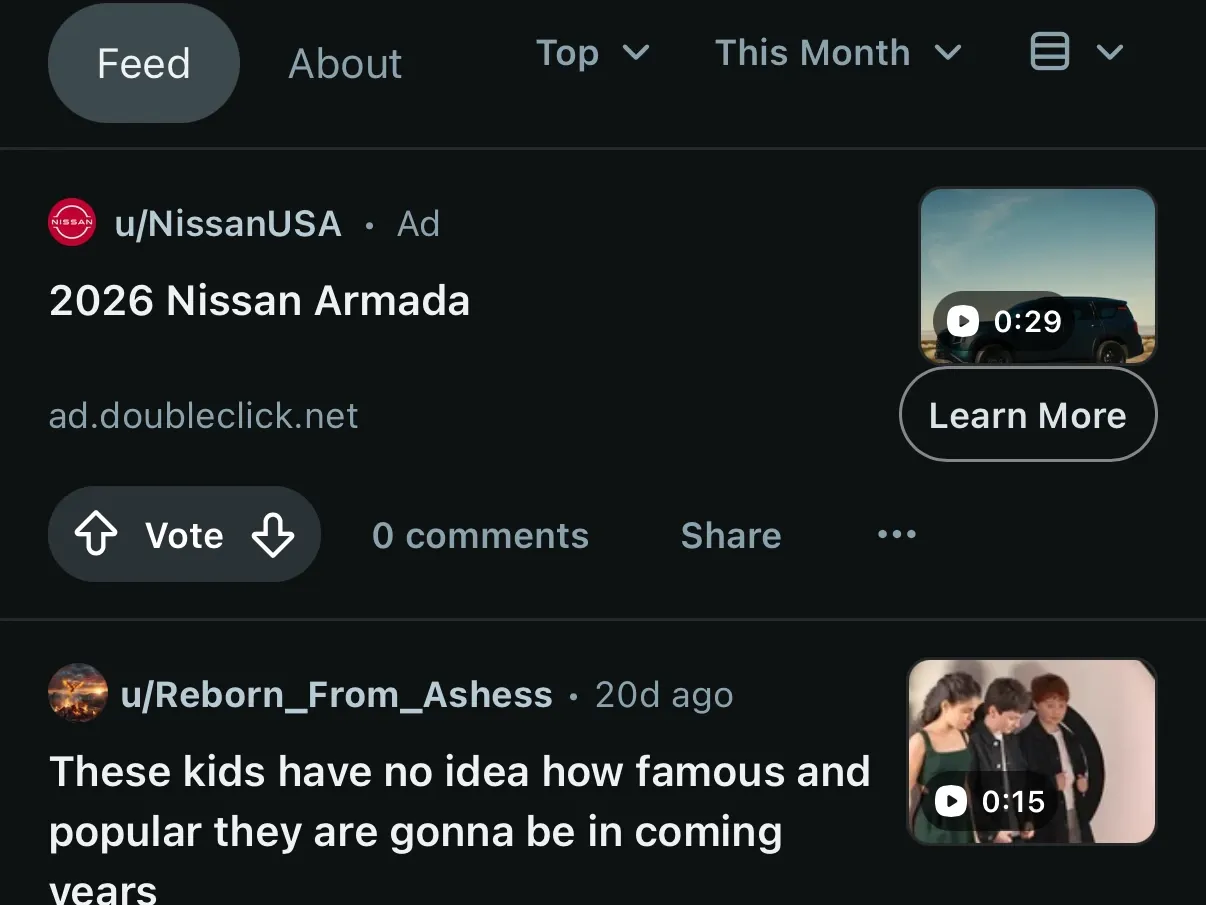
Reddit opens most feeds sorted by Best. Pick New, Top, or another sort in Post sort order. Your home, popular, news, and community feeds then open with that sort.
Show mature content without the prompts
Logged out, Reddit stops you with a prompt before mature posts and communities it has not reviewed, and blurs mature posts. Show mature content skips those prompts and removes the blur. Spoilers stay blurred. While the setting is off, Protego adds an Always show mature content button to Reddit’s prompts. The button opens the setting in Protego. New Reddit only.
Turn off the For You home feed
Reddit is testing a For You home feed and makes it the default. Turn on Disable For You feed and home stays on the Following feed of the communities you joined. New Reddit only.