Make comment threads readable
Protego makes long Reddit threads easier to read by collapsing reply chains, coloring thread lines by depth, and tucking away media and pinned moderator comments.
A busy thread in r/quidditch runs to four thousand comments, and the reply you want is buried in a chain you have to scroll past to reach. Protego turns that page into something you can move around in and read at a glance.
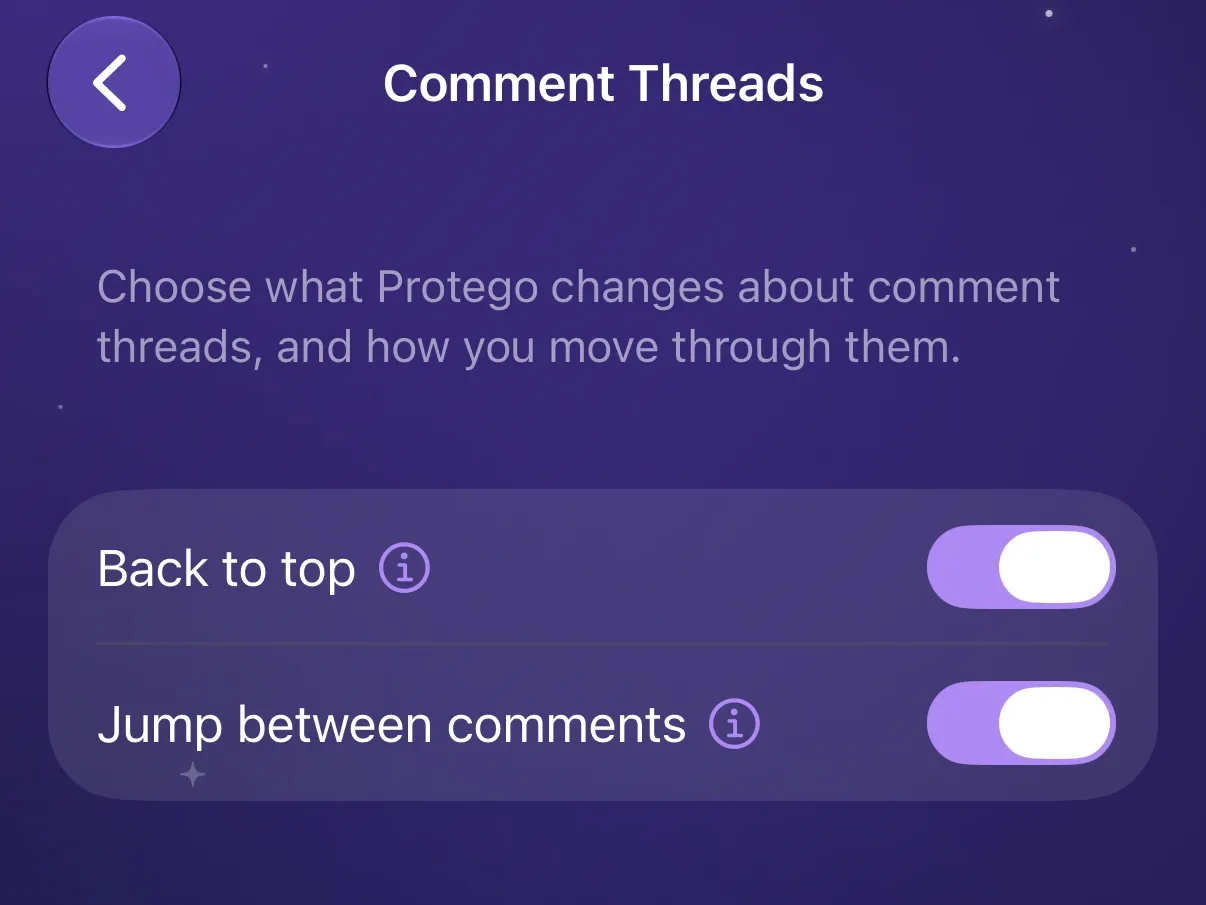
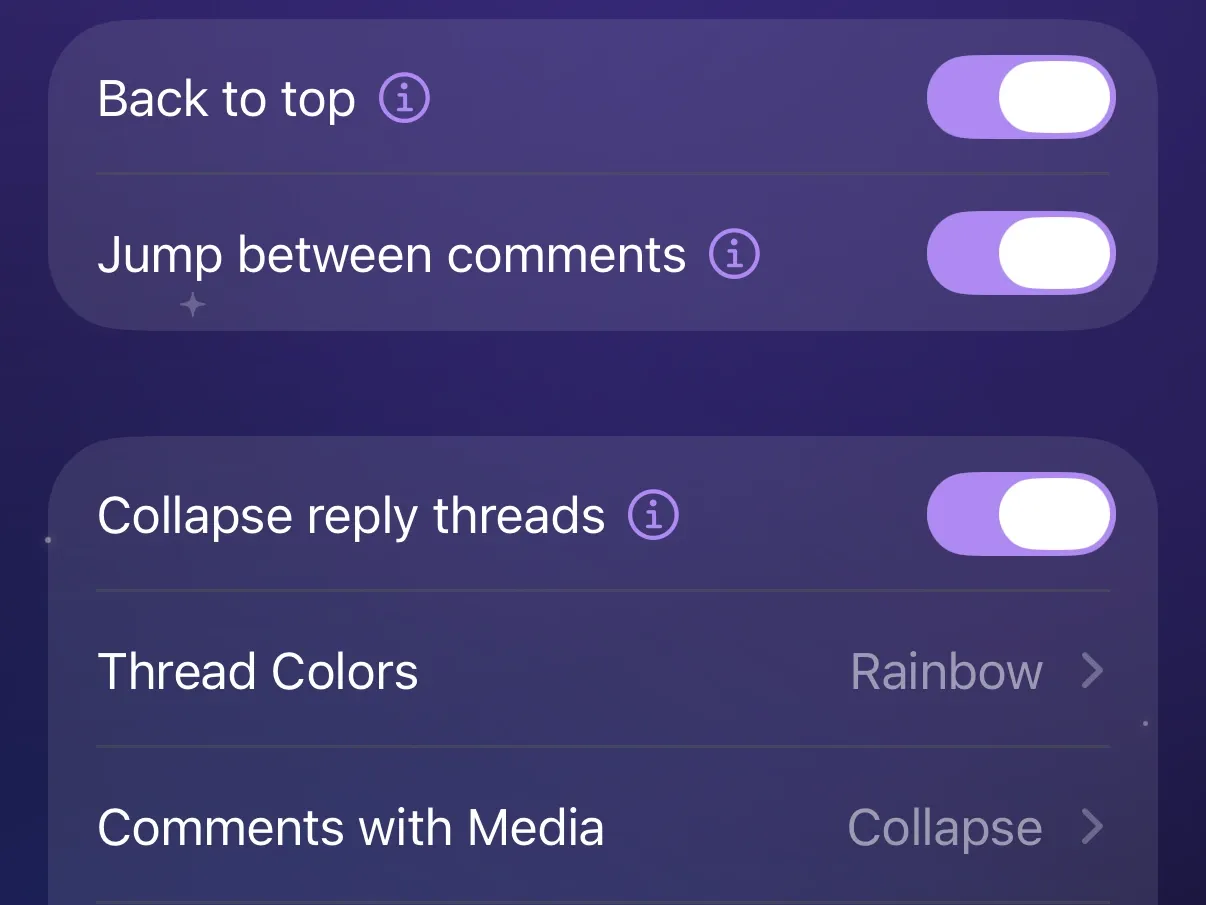
Jump between comments and back to the top
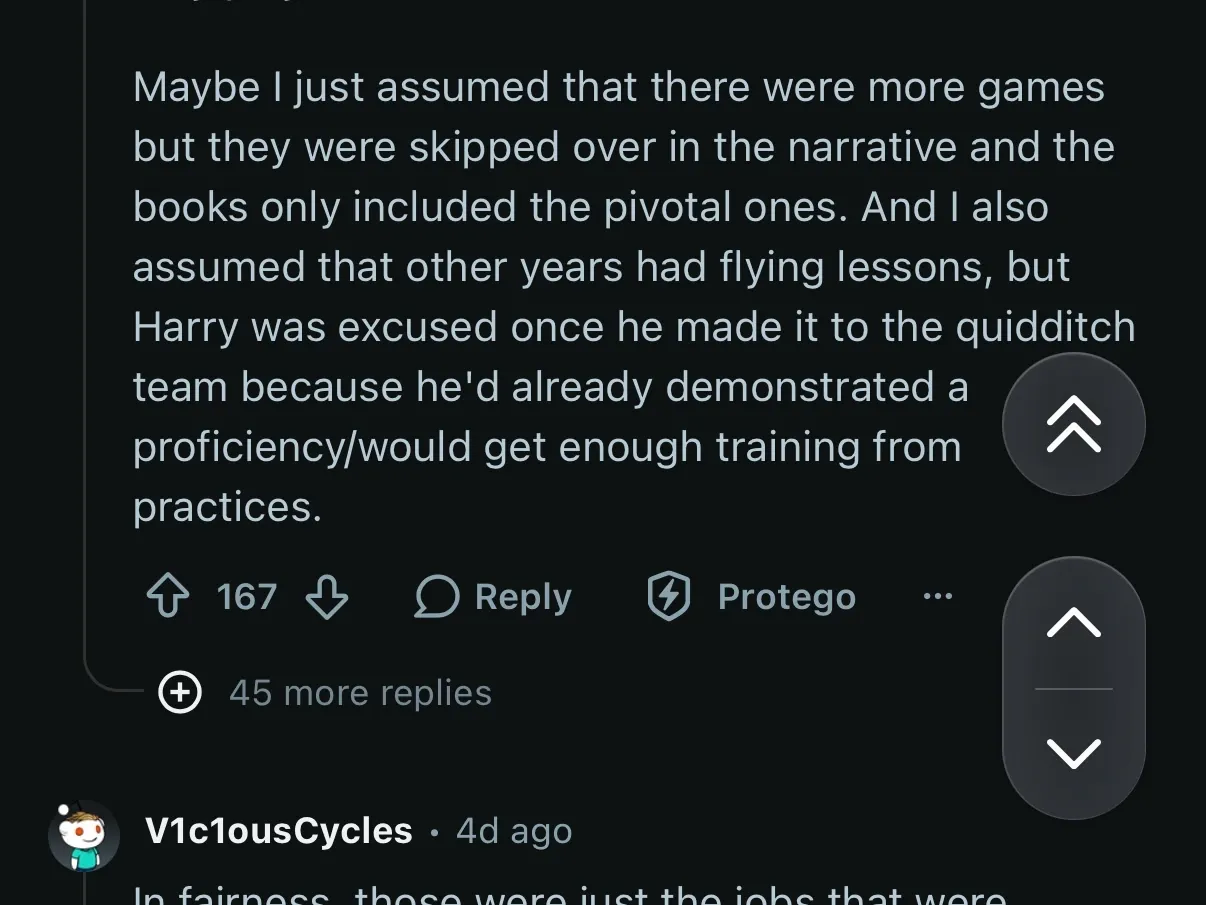
Jump between comments adds next and previous buttons that step through comments one at a time, skipping past reply chains instead of scrolling them. With a keyboard, J and K do the same.
Back to top returns you to the top of the thread. Both float in the corner of comment pages.
Start every thread with its replies collapsed
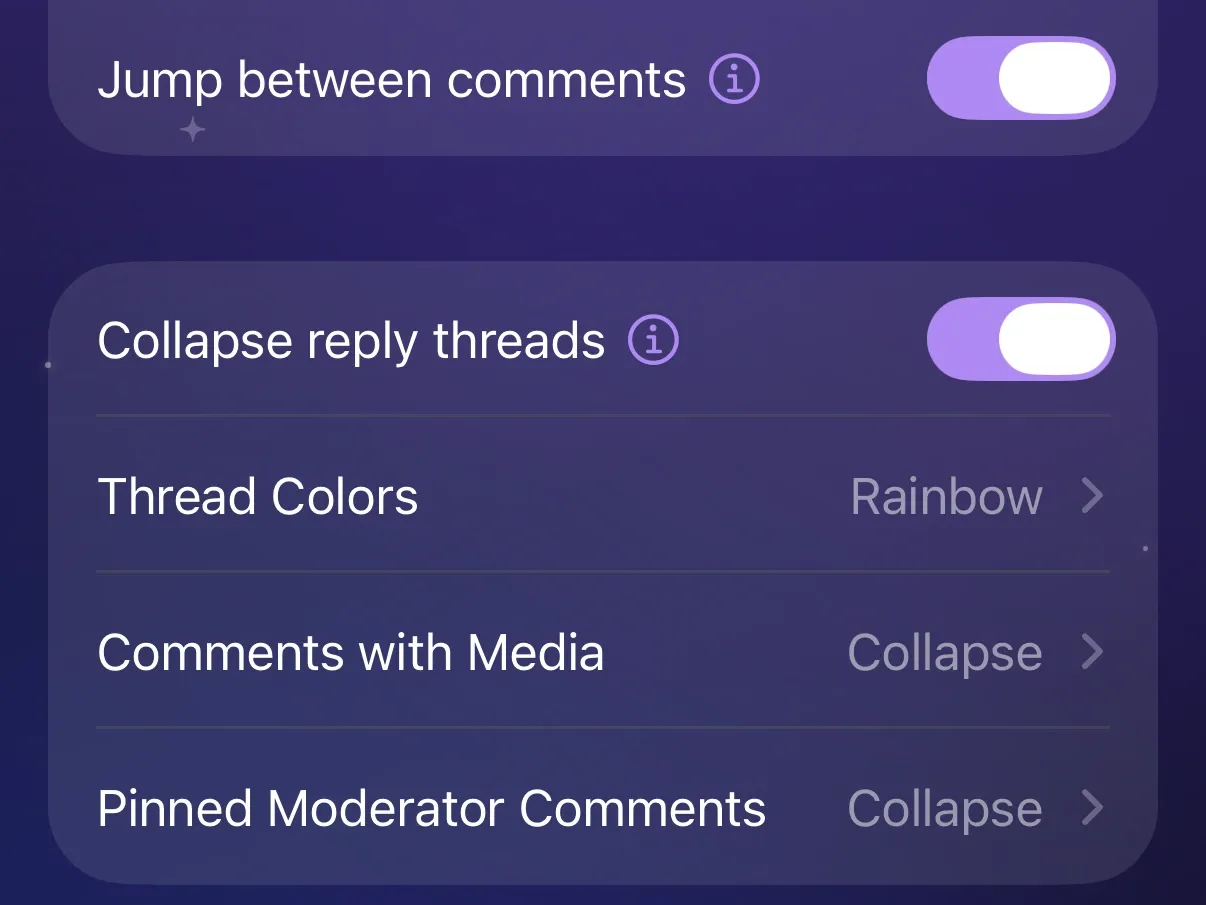
Collapse reply threads collapses every reply chain the moment a thread opens, leaving the top-level comments in view. Open any collapsed chain to read it. A link to a single comment still opens on that comment.

Follow a conversation with thread colors
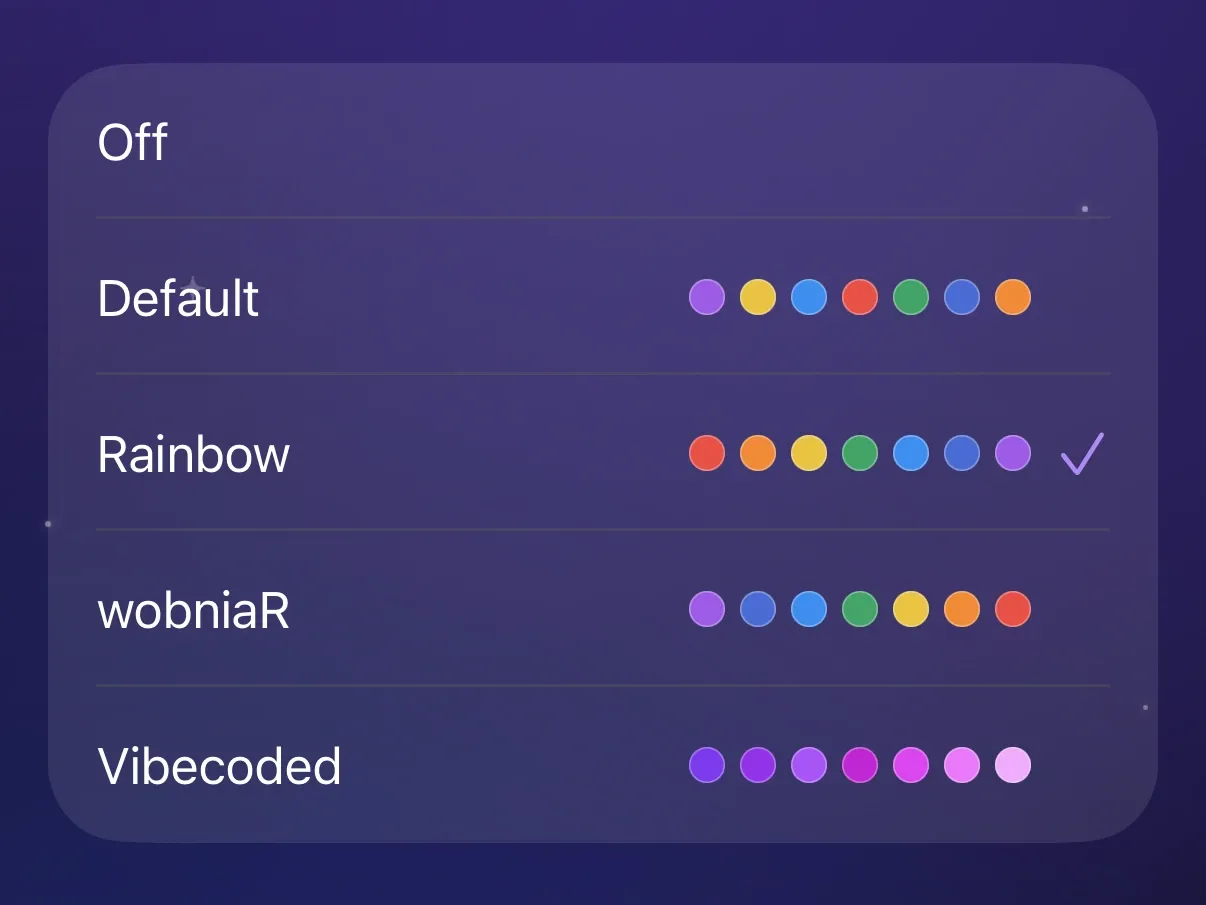
Thread Colors tints each comment’s thread line by its reply depth, so you can follow a long back-and-forth. Pick a color theme, or leave it Off to keep Reddit’s own line.

Keep media and pinned moderator comments out of the way
Use Comments with Media to hide or collapse comments with an image, GIF, or video.
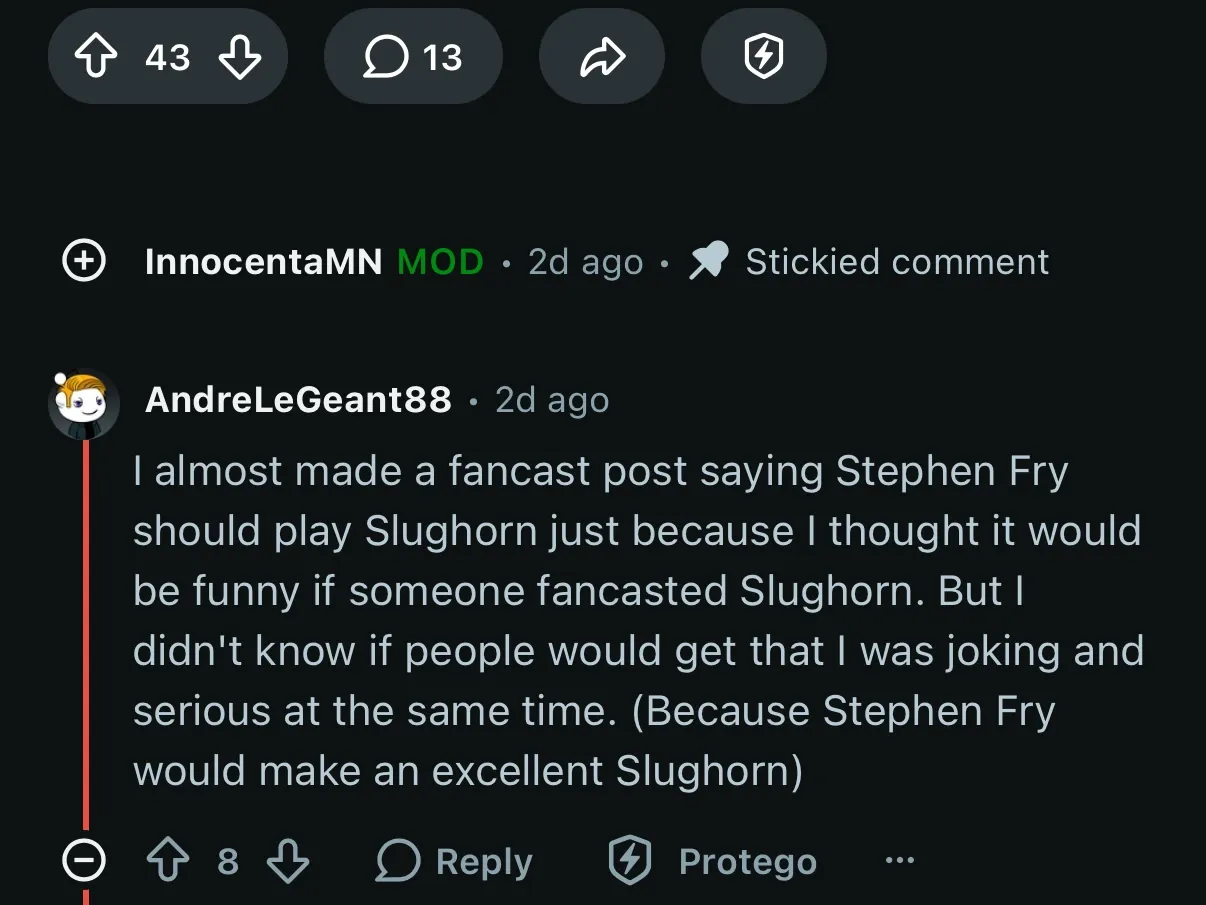
Use Pinned Moderator Comments to hide or collapse the comment pinned to a thread. A preset sets both for you.