Filter Reddit by community
Take a community out of your feeds without leaving it, and block its page outright when hiding the posts is not enough.
One busy community can take over a home feed. A week of match drama in r/quidditch buries the quieter communities you actually read, and scrolling past the same names all morning gets old fast. Filter that community and what is left is the Reddit you signed up for. The posts are filtered, not gone, so switching the entry off puts them all back.
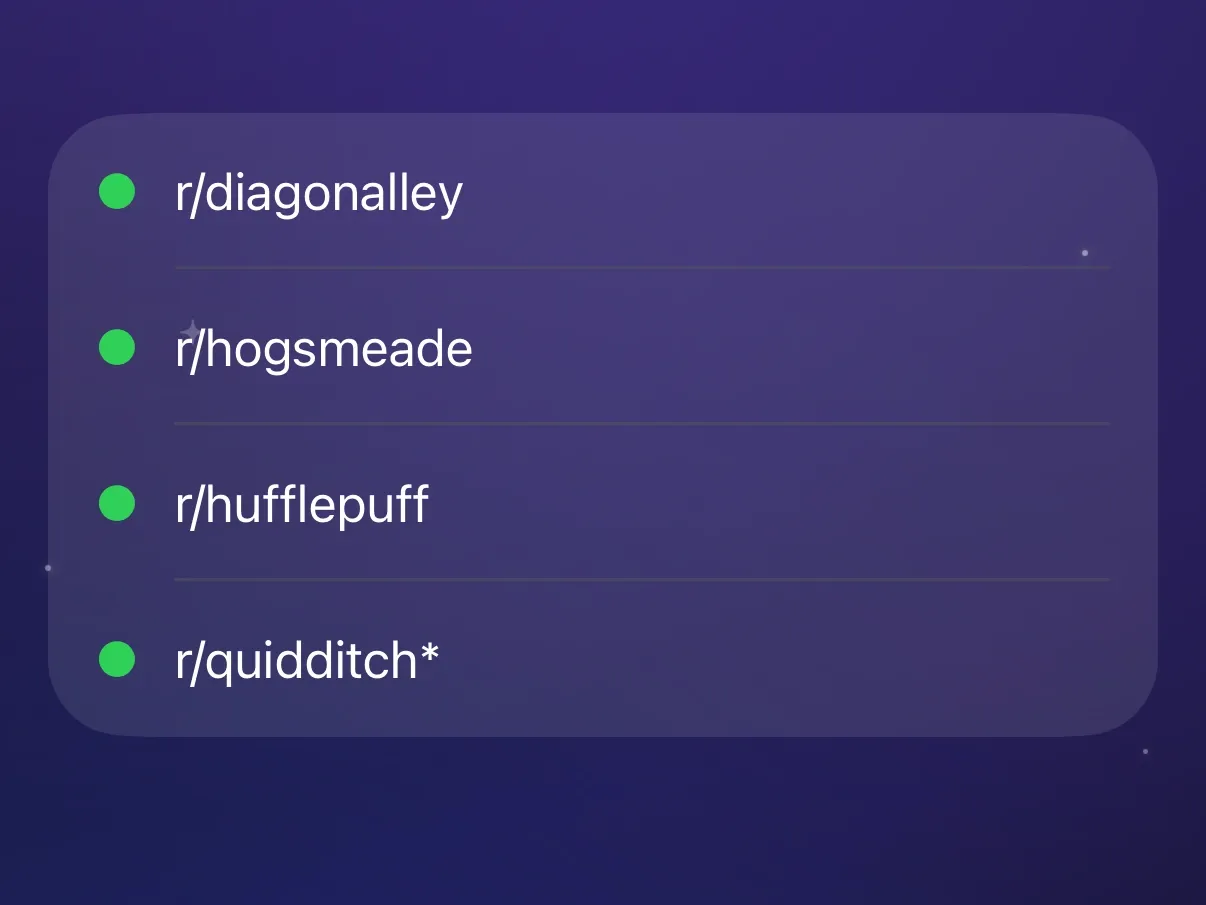
Add a community and clear it from your feeds
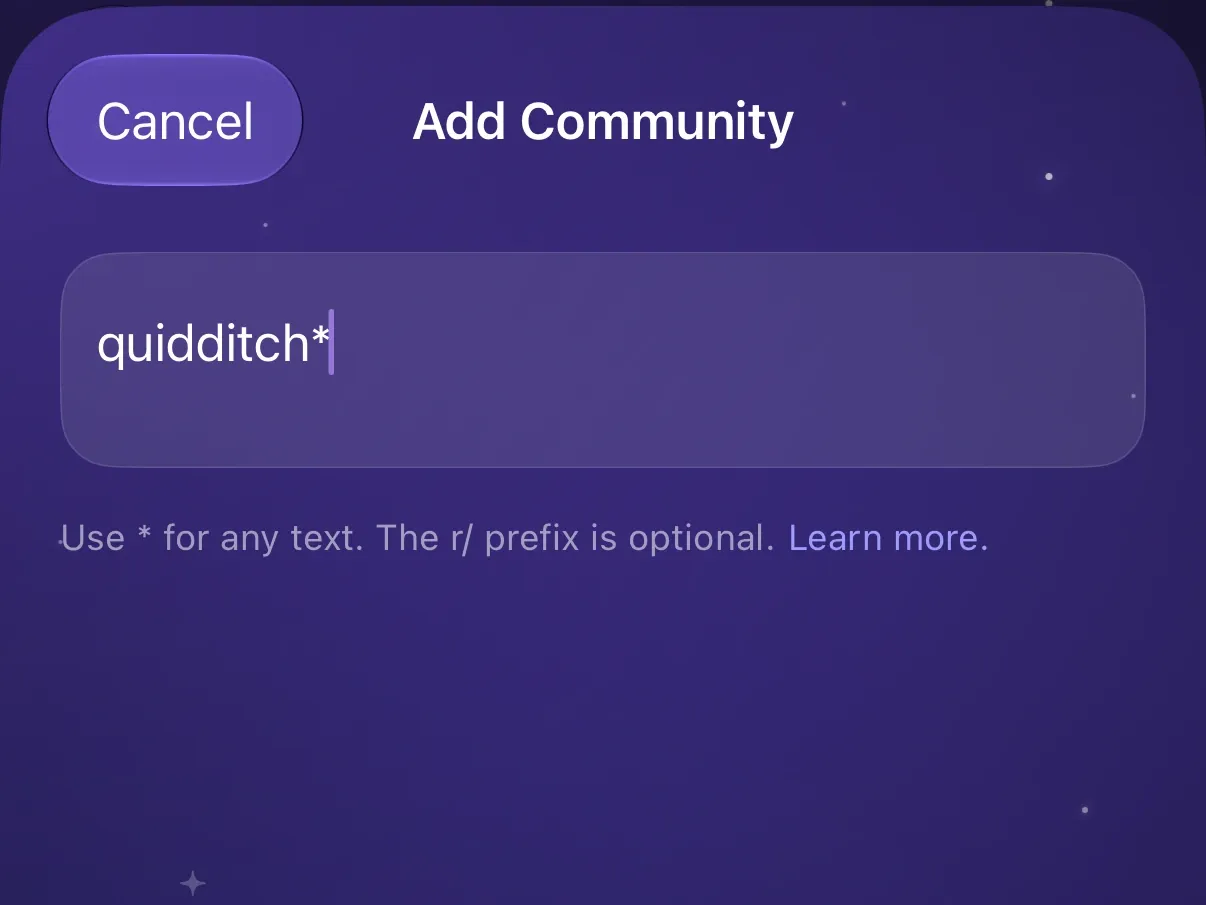
Type the name with or without the r/ prefix, in any capitalization. The
community’s posts stop turning up in your feeds, in search results, and on
profiles, leaving the rest of what you follow. Opening the community’s own page
still shows its posts, unless you block that page too.
Cover related names with one entry
* stands for any text, at either end of a name or both: quidditch* matches
r/quidditch and r/quidditchleague, so one entry covers a whole family of
spin-offs. A name without a * matches whole, so aww leaves r/awwducational alone. * works the same way in keyword filters.
Filter a community from Reddit itself
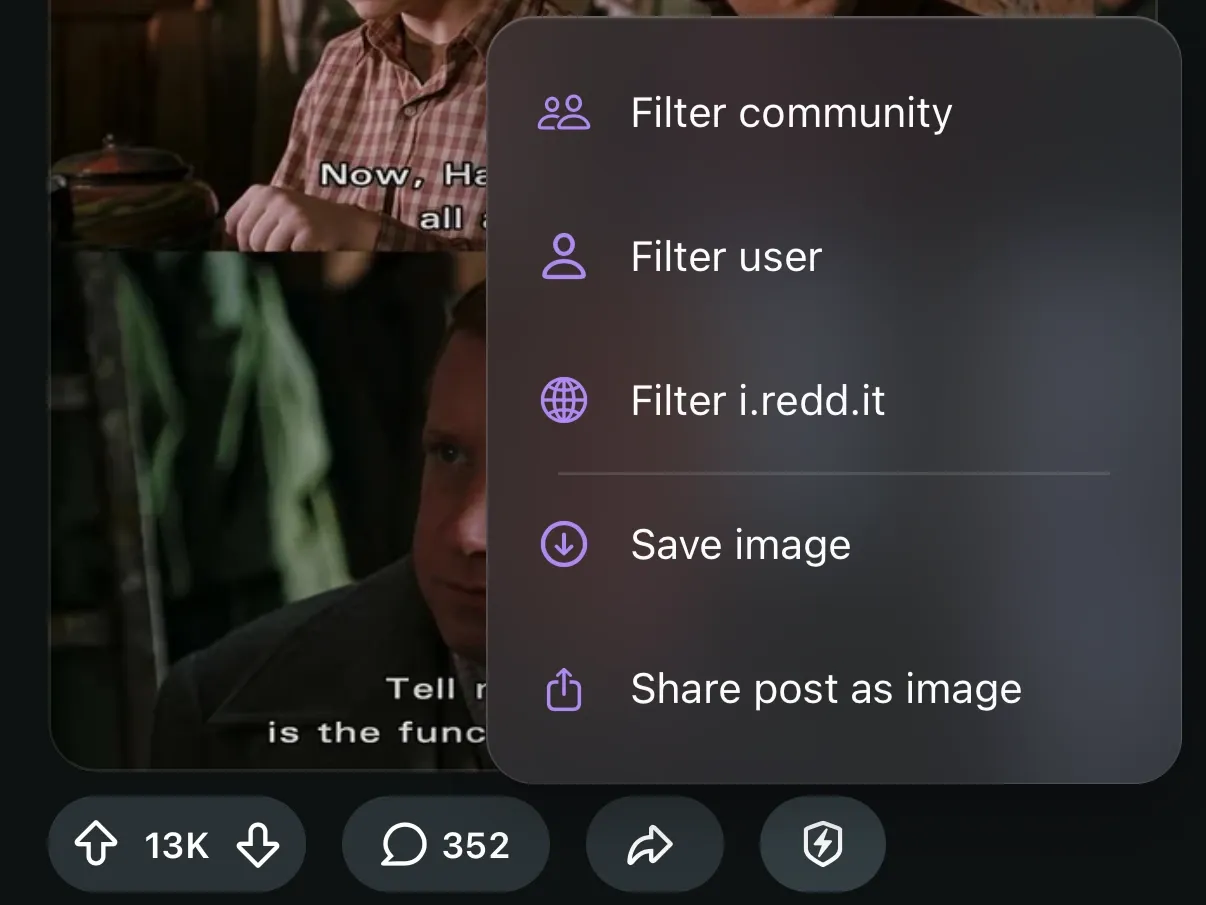
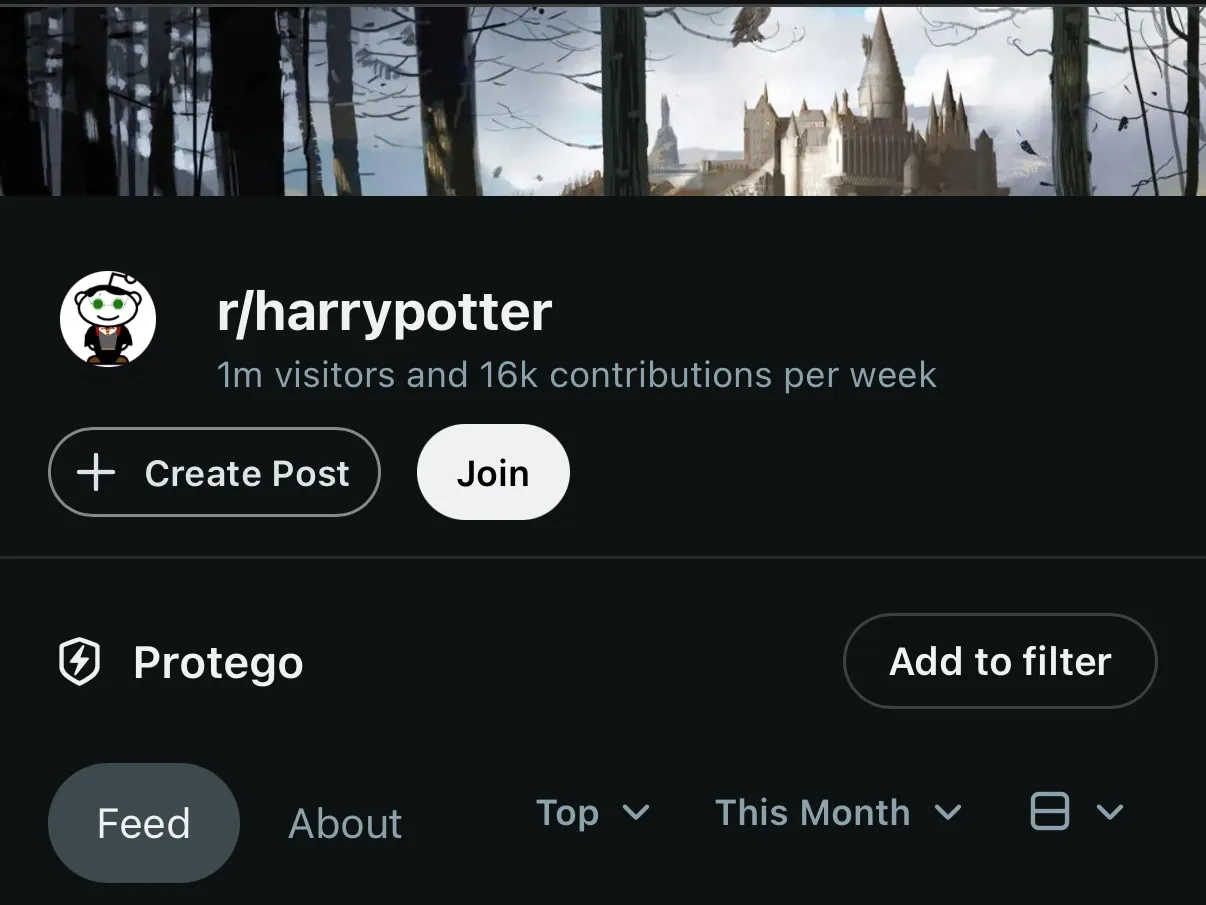
The Protego button on a post has Filter community, so the community filling your feed goes on the list without opening the app. A community’s page has a Protego section with Add to filter, for when you are already reading it. Once filtered, both offer to take the community back off, so you can undo it on the page too.
Block a community’s page outright
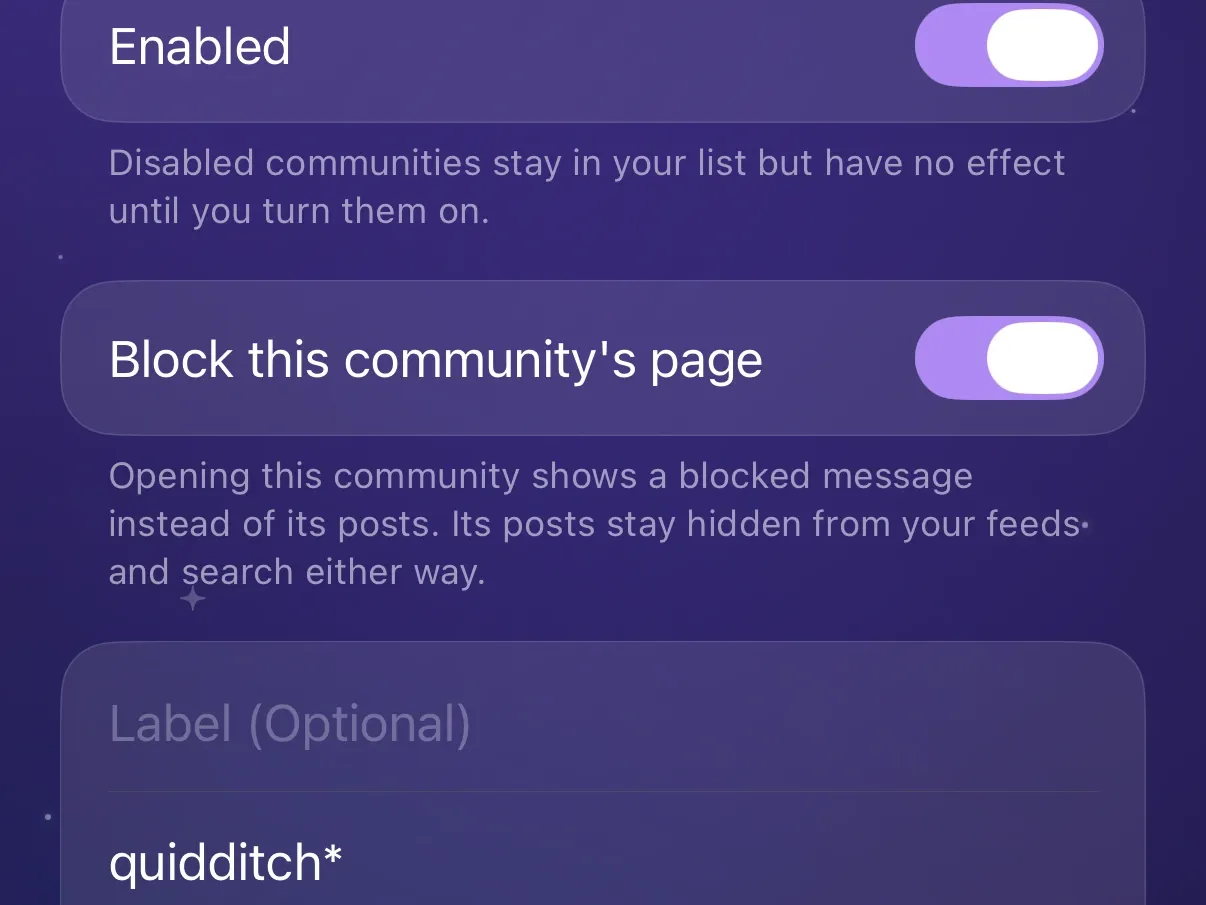
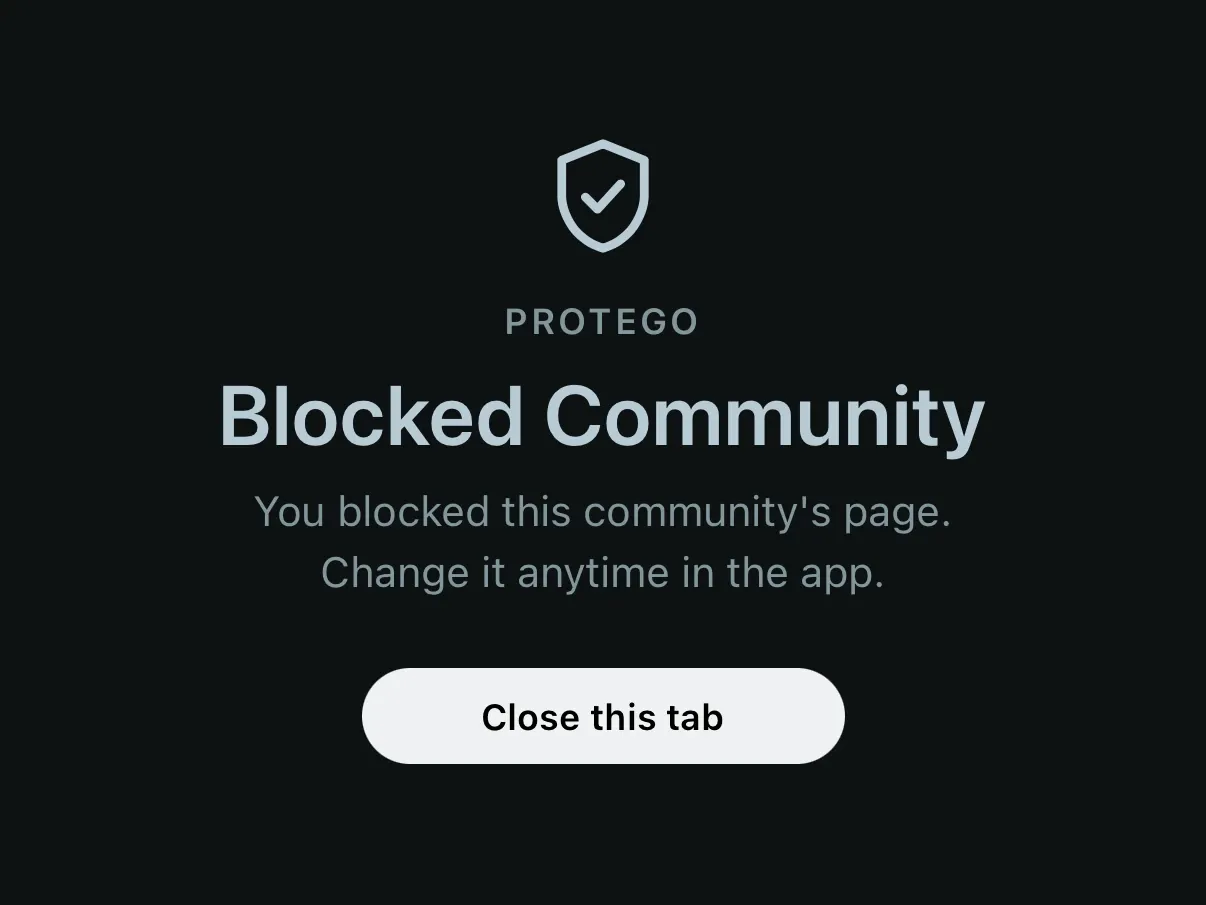
A filtered community is still one tap away. Open the community’s entry in Protego and turn on Block this community’s page: going to the community then shows a full-page blocked message before Reddit loads. The block covers the community’s feed and its post pages, and does not apply while filtering is paused or off.